Blog · Part of the Getting Started guide
Choosing an OnlyFans Username: Tips and Mistakes to Avoid
How to pick an OnlyFans username that's short, easy to spell and free on every platform you use, the mistakes to avoid, and what breaks if you change it.
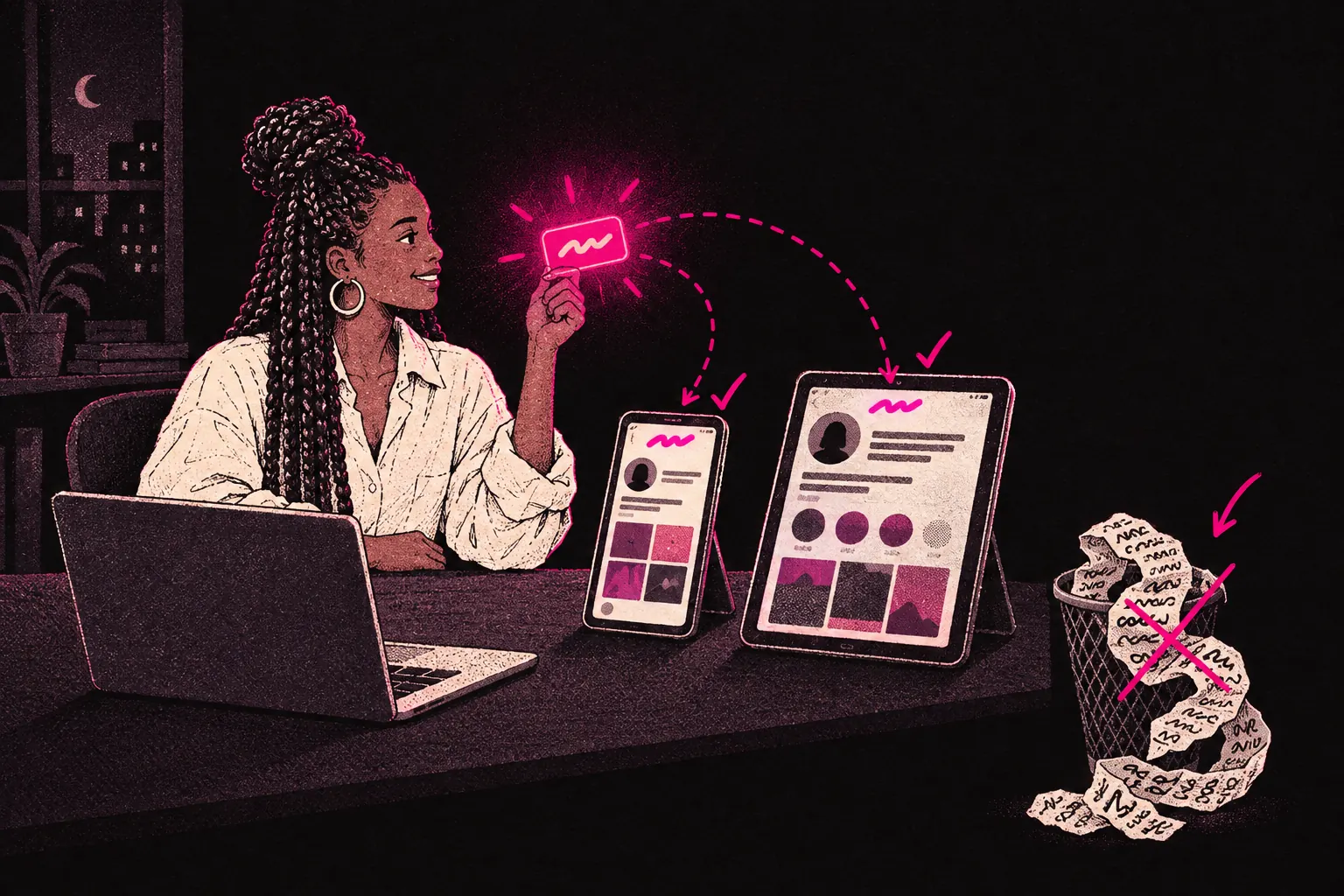
A good OnlyFans username is short, easy to spell, easy to say, fits your brand and is free on every platform you promote on. It looks like a small decision, but it affects how people find you, remember you and talk about you. It’s in your profile URL, in searches, in mentions and on every other platform where you promote yourself, so getting it right at the start saves a lot of hassle later.
Why your username matters
Searchability
When someone hears about you and goes looking, your username is often what they type. If it’s hard to spell, easy to confuse with someone else or full of random numbers, they may never find you. Every search that goes nowhere is a subscriber who gave up.
Memorability
The best usernames stick. If a subscriber wants to recommend you to a friend, they need to remember your username and pass it on quickly. “It was something like sarah underscore nine seven, maybe with an x?” won’t send anyone your way.
Cross-platform consistency
You probably promote yourself on other platforms too, like Twitter, Reddit, Instagram, TikTok or some mix of them. Ideally, your username should be the same, or very close, on all of them. That makes it easy for fans to follow you everywhere and strengthens your personal brand.
Seeing the same username on three platforms helps people recognise and trust you. A different handle on every platform just confuses them.
Professionalism
Whether OnlyFans is a side hustle or your full-time business, your username is part of how you come across. A clean, thought-through username shows you take your page seriously. One that looks like it took thirty seconds to pick says the opposite.
What makes a good username
Keep it short
Short usernames are easier to remember, spell and type on a phone. Try to stay under 15 characters. Somewhere between 5 and 12 is ideal.
Make it easy to spell
Say your username out loud. Could someone spell it right first time? If not, you’ll lose people whenever your name gets passed on by word of mouth or anywhere they can’t just tap a link.
Avoid unusual spellings unless they’re part of your brand. Swapping letters for numbers (like “s” for “5”) or using odd letter combinations just gives people another way to get it wrong.
Make it pronounceable
This ties back to memorability. A username people can say, even in their head, is one that sticks. “LunaBelle” is easy to say. “Lxnbll” isn’t. Even if most people only ever see your name written down, being able to say it helps them remember it.
Reflect your brand
Your username should hint at who you are or what your page is about. It doesn’t need to be literal. It should just feel like it belongs with the persona and look you’re building. A playful creator might pick something light-hearted, while a more sensual brand might lean towards something elegant.
Check availability everywhere
Before you commit, search for the name on OnlyFans, Twitter, Reddit, Instagram and TikTok. If it’s taken on most of them, your branding will end up patchy. Pick something that’s free everywhere, or at least on the platforms you’ll use most for promotion.
Common mistakes to avoid
Random numbers at the end
“JessicaXo294” looks like you couldn’t get the name you wanted. Numbers, especially random ones, make a username forgettable and harder to type. If you need to stand out from a similar name, add a short descriptive word instead of digits.
Excessive underscores or special characters
Underscores break up a username and are easy to forget. “sweet_summer_rose” is harder to remember and type than “sweetsummerrose”. OnlyFans allows underscores, but that doesn’t mean you should use them.
Using your real full name
Unless you’ve deliberately chosen to build your brand under your real name, using your first and last name is a privacy risk. Lots of creators use a stage name, and your username is often the first place it shows up. Think hard about how much distance you want between your creator identity and your personal life.
Making it too long
Long usernames get cut off in some places, are awkward to fit on promo graphics and are easier to mistype. If your ideal name is 20 characters, see whether you can trim it and keep what makes it work.
Copying or mimicking another creator
Even if it isn’t an exact match, a username that looks a lot like a well-known creator’s handle confuses people and looks unoriginal. You want to stand out, and nobody should mistake you for someone else. It can also get your page reported or flagged.
Trending slang that will age badly
Slang and memes go stale fast. A username built on a 2024 meme might feel clever now and dated within a year. Go for something that will still sound right in a few years.
Can you change your OnlyFans username?
Yes. OnlyFans lets you change both your display name and your @ handle. But changing your handle changes your profile URL, so expect every existing link to your page to break. Links you’ve shared on Reddit, in tweets, on forums, in link-in-bio tools and anywhere else will stop working.
If you’re going to change it, plan ahead:
- Update all your external links straight away.
- Tell your current subscribers so they can find you.
- Update your link-in-bio page and any promo material.
- Accept that some old links will stay broken, especially in comment threads or posts you can’t edit.
That’s why it’s worth getting right from the start. Changing your username won’t ruin your page, but it does cost you something.
If you’re thinking about a wider rebrand, a new username might be just one part of it.
How your username affects discoverability
OnlyFans has a search bar, and your username is one of the things people type into it when they’re looking for you. Don’t rely on it to bring in strangers, though. OnlyFans search is limited, so you’ll still need to promote your page elsewhere.
Don’t stuff keywords into your username, either. “HotBlondeUKModel” might turn up in a search, but it looks spammy and it’s impossible to build a brand around. Aim for a name that includes a relevant word or two naturally, if one fits.
Your display name is separate from your @ handle and gives you more room for descriptive words. Use it for those, and keep your handle clean and easy to brand.
Brainstorming your username
If you’re stuck, try this:
- Write down ten words linked to your brand, persona or look. Think about colours, moods, themes, personality traits and interests.
- Put pairs of those words together. Look for combinations that sound good and are easy to say.
- Check availability. Cross off anything that’s taken on the platforms you’ll use most.
- Say what’s left out loud. Does it sound natural? Would you be comfortable introducing yourself by that name?
- Ask a friend you trust what they think. Something that sounds great in your head can fall flat when someone else hears it.
A note on separate free and paid page usernames
If you plan to run both a free and a paid OnlyFans page, make the usernames clearly related. A common approach is adding “free” or “vip” to one of them. Someone who finds one page should be able to guess or find the other easily.
Getting it right from the start
Your username feels like a small choice on the day, but it matters more with every month you use it. Every link you share, every mention and every search for you runs through it.
Give it a proper afternoon. Check availability. Say it out loud. Sleep on it. Then commit and build everything else around it.
If you’re still setting up your OnlyFans and want help with branding, your profile and growth, you can apply to work with us. You can apply before you’ve launched, and every creator we take on gets a dedicated strategist.