Blog · Part of the Safety and Privacy guide
Can You Be Completely Anonymous on OnlyFans?
You can stay anonymous on OnlyFans to subscribers but not to OnlyFans itself. What fans can see, what your bank statement shows and what gives you away.
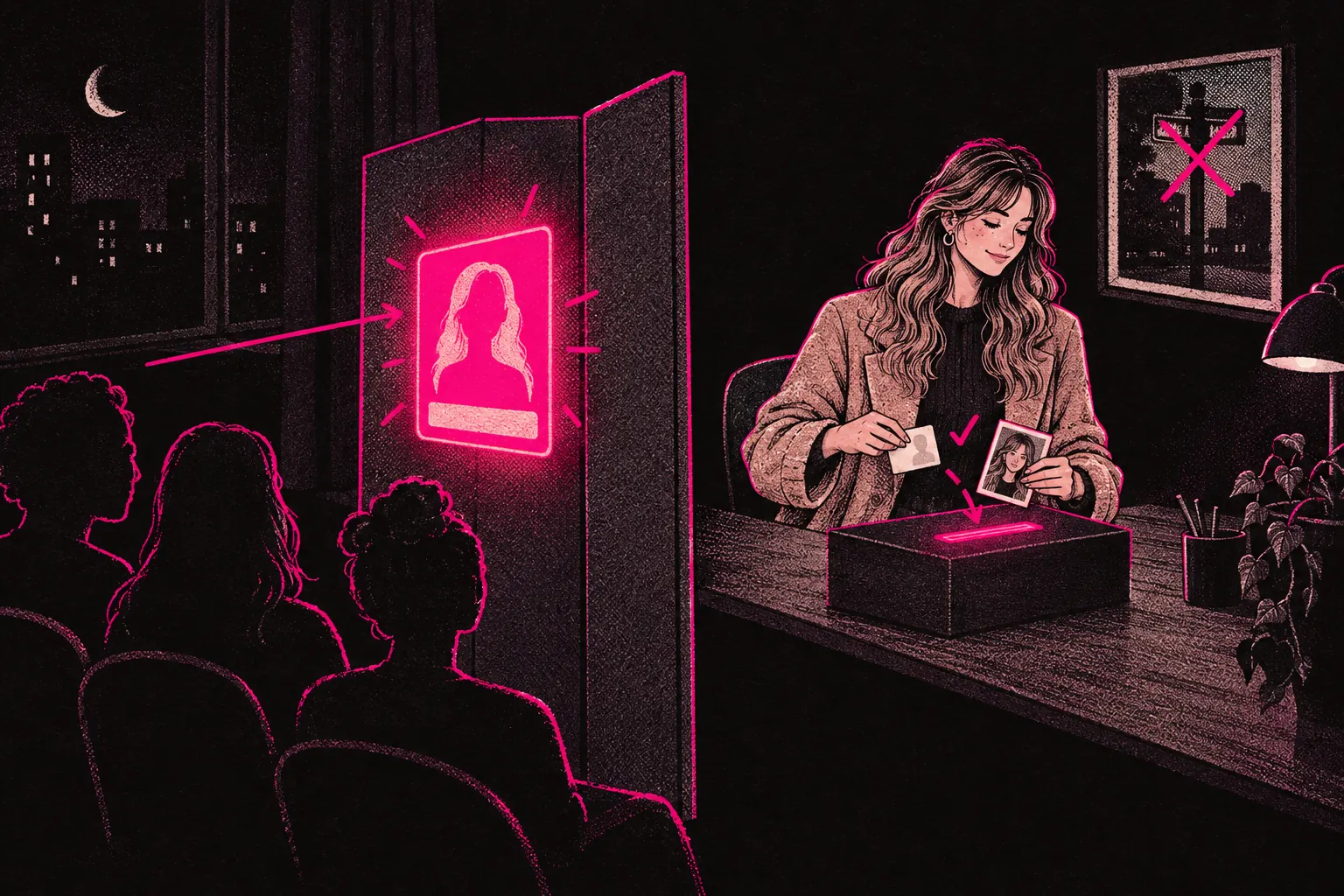
You can keep your identity hidden from subscribers and the public on OnlyFans, but not from OnlyFans itself. The platform has to check your ID before you can post or get paid. What the public sees is up to you, though nothing you do can promise that nobody will ever recognise you.
On the public side, small details you didn’t think about can give you away. Below is what OnlyFans holds, what fans see, and how to close the gaps.
What “anonymous” actually means on OnlyFans
There are two layers.
The first is OnlyFans. Before you can post or get paid, you verify your identity with a government-issued ID and a selfie check. There’s no way round it, because the platform has to confirm you’re a real person aged 18 or over. Being anonymous on your page doesn’t change your tax position either. HMRC’s rules on declaring income apply to you whatever name your page uses.
The second is the public. None of your verification details appear on your page. OnlyFans holds your legal name, address and ID, and subscribers see only what you choose to show them: your display name, bio, profile photo and content.
So you can keep your identity from your audience, but not from the platform.
What subscribers can actually see
Someone visiting your page sees:
- Your display name, which can be anything you like
- Your profile photo and banner
- Your bio
- Your content (posts, messages, stories)
- Your subscription price
OnlyFans doesn’t show them your legal name, email address, phone number, location or verification documents. They’ll only know those things if you give them away.
Payments work the same way. When a fan pays you, their bank statement shows OnlyFans or a payment processor’s name. Your name isn’t on it.
Practical steps to stay anonymous
A stage name and private verification are only the start. Check what your page and your promotion accounts could reveal about you.
Keep your creator identity separate
Set up an email address in your stage name. Use a separate phone number for the account. Don’t sign in to anything to do with your page using an account tied to your real name.
Strip metadata from your files
Photos from a phone can carry location data, device details and timestamps inside the file. Turn off location tagging in your camera settings, and use a free metadata remover on images before you upload them.
Check every shot for clues
Backgrounds, reflections, distinctive tattoos, jewellery and even the view from your window can identify you. Shoot against a plain wall, or in a corner of your home that shows nothing personal. Look for mirrors and glass in the frame before you post.
Use geo-blocking
Geo-blocking lets you hide your OnlyFans page from people in specific countries. If you don’t want anyone in your home country finding you, block it first. It works on where someone appears to be browsing from, so a person using a VPN can get round it. Treat it as one layer of several. Our geo-blocking guide goes through the settings.
Keep your promotion accounts apart from your personal ones
If you promote on Twitter or Reddit, those accounts shouldn’t connect to your personal profiles in any way. Use different usernames, different email addresses and, if you can, a different device. Don’t give promotion apps access to your phone contacts, because some apps use contacts to suggest your account to people you know.
Common mistakes that expose identity
Watch for these small mistakes:
- A stage name that’s a version of your real name, or a nickname your friends would recognise
- Backgrounds people could place: a poster, the view from your window, a distinctive piece of furniture
- Promotion accounts linked to your personal phone number
- The same username on personal and creator accounts
- Leaving location services on when you take photos
- Stories about your life that people who know you would recognise
One of these on its own might not give you away. A few of them can give someone who knows you enough to work it out. Check your page against this list before you launch, and again every few months.
The VPN question
You don’t need a VPN to stay anonymous on OnlyFans. Subscribers can’t see your IP address anyway.
A VPN hides your IP address from the sites you use, which adds some privacy. It may also stop social media platforms linking your promotion accounts to your personal ones through a shared internet connection, though that’s only one of the ways they can link accounts.
What about your bank details?
OnlyFans needs your bank details to pay you. It stores them for payments, and they aren’t shown to subscribers or on your page.
The part you might want to hide is the payout itself, from anyone who sees your bank statements. The reference may show Fenix International, the company that owns OnlyFans, but check your first payout before you count on that.
For more separation, have your payouts go to a separate account. Many UK banks offer sole trader business accounts. A sole trader account is still in your legal name, sometimes with a trading name alongside, so it keeps payouts off your everyday statements without hiding who you are from the bank. Check that OnlyFans will pay into it before you set one up.
Can someone find out you have an OnlyFans?
Yes, it’s possible, even if you’re careful. You can make it much harder. Keep your promotion accounts free of any link to your real identity and geo-block the right countries. Even then, someone could come across your page or your promotion and recognise you.
No setup is perfect. Subscribers can screenshot and share your content. People talk. Someone who knows you might recognise your body, your voice or a small detail, and no setting stops that. All you can do is make it as unlikely as possible.
Set up your privacy before your first post
Do all of this before you post anything. Once someone has saved or shared your content, deleting it from your page won’t get it back. Starting private is much easier than adding privacy to a page that’s already live.
For every privacy setting in more detail, read our complete anonymity guide. If you’d like help setting up a page with privacy in mind, you can apply to TalentGrow. Faceless and body-only pages are welcome, and you can apply before you’ve launched.
Our team works in your account through Infloww, a creator CRM, where it can see your stats, make posts and send messages. It has no access to your bank details, payout information, email or social media accounts. The account stays in your name, payouts go to your bank, and you keep full control and can end our access at any time by changing your password.