Blog
OnlyFans Content Calendar: How to Plan a Month of Posts
How to plan your OnlyFans posts, stories, PPV and mass messages a month ahead, with a sample week, themed days and simple tools, in about 30 minutes.
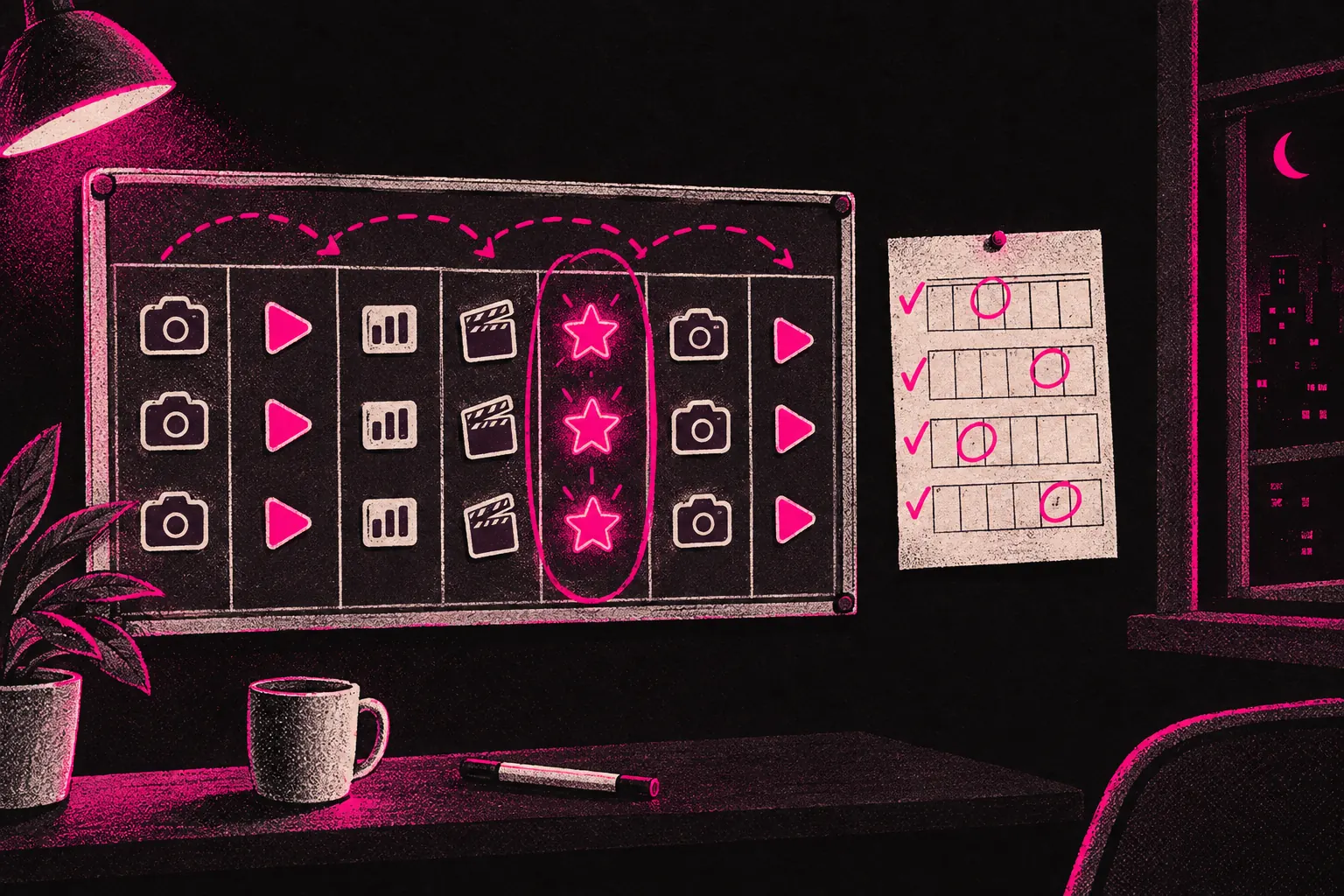
To build an OnlyFans content calendar, decide how often you’ll post, give each day of the week a content type, then plan your PPV, sales and themed days a month ahead. It takes about 30 minutes at the start of each month, and it gets rid of the daily “what should I post today?” question.
With the month mapped out, you post what the plan says, talk to your subscribers and get on with your day. You’re not scrambling at the last minute, feeling guilty about missed posts or staring at your phone at 9pm with no ideas.
Why a content calendar matters
Posting without a plan feels flexible, but it usually means posting in bursts. You post loads when you feel inspired and nothing when you don’t, and subscribers notice the gaps. A fan who’s paying every month and sees nothing new for a week has less reason to renew.
A calendar turns content from a daily decision into a routine. You decide in advance what type of content goes out on which days, then follow the plan. That takes a lot of weight off, because you’re no longer making dozens of small creative decisions every day.
It also gives subscribers something to rely on. When fans know certain content lands on certain days, they get into the habit of checking your page, so fewer of your posts go unseen.
Start with your posting frequency
Before you plan what to post, decide how often. Be realistic about what you can keep up. Three good posts a week beats promising daily posts and giving up after two weeks.
A reasonable starting point:
- Feed posts: 4 to 5 a week
- Stories: daily or nearly daily (these can be quick and casual)
- PPV messages: 2 to 4 a month
- Mass messages: 1 to 2 a week
- Welcome message: review it once a month
You can always post more later. Start at a pace you could manage in your worst week, and build from there.
The weekly planning framework
A weekly framework gives your content a rhythm without making it repetitive. You give each day a content type, so you rotate through different formats across the week.
Here’s an example week:
- Monday: a photo set on the feed. Start the week with something polished.
- Tuesday: behind-the-scenes stories. Casual, personal and easy to make.
- Wednesday: a video post on the feed. Even a short clip stands out.
- Thursday: an interactive day. Run a poll, ask a question or answer fan requests.
- Friday: a PPV message to your subscriber list.
- Saturday: a themed photo set or lifestyle content.
- Sunday: a rest day, or light stories only.
Treat that as a starting point and change the days and formats to fit what your fans respond to. Check your own sales to see which days PPV does best for you, and move it if Friday isn’t one of them. What helps is having a structure you can repeat, whatever days you end up using.
Types of content to rotate
Variety keeps your page interesting. If every post looks the same, even your most loyal subscribers will start to skim past. Rotating formats keeps things fresh.
Feed posts
These are the backbone of your page: the photos and clips subscribers see when they visit. Mix photo sets, single standout images and short videos.
Pay-per-view (PPV) messages
Your most exclusive content, sent straight to subscribers or to particular groups of them. PPV can make up a big share of what a page earns. Space these messages out so they feel like something special and don’t start to feel like spam.
Stories
Quick and often unpolished. Stories are good for showing your personality, sharing updates or teasing what’s coming. They disappear after 24 hours, so they add urgency without cluttering your feed.
Mass messages
Messages sent to all your subscribers or a filtered group. Use them to promote new PPV, announce a sale or just send something personal. Timing matters. Send too many and subscribers get irritated.
Custom and request content
If you take custom requests, block out time for them in your calendar. Setting aside specific days for customs stops them eating into the time you need for your regular content.
Themed days and recurring series
Recurring themes are one of the easiest ways to fill a calendar. They give you ready-made ideas, so you don’t have to start from scratch every week.
Some examples:
- Try-on Tuesday: new outfits, lingerie or looks.
- Fan Choice Friday: subscribers vote on what you wear, where you shoot or what you make.
- Throwback content: re-share older content that newer subscribers may not have seen.
- Q and A days: invite questions in stories or messages and answer them through the day.
Themed days mean fewer decisions for you and something for subscribers to look forward to. They make social media promotion easier too, because you always know what you’re teasing next.
Planning on a monthly scale
The weekly framework covers day-to-day posting. Monthly planning is where you think bigger. At the start of each month, map out:
- Promotions. Are you running a sale, launching a new PPV set or doing a collaboration? Put the dates in now.
- Holidays and events. Holidays, seasons and big events give you easy themes, so plan content around the dates your audience cares about.
- Your PPV schedule. Decide when your premium messages go out and what’s in each one.
- Social media. Line up your promotion with your OnlyFans calendar. If a big PPV set drops on Friday, start teasing it on social media on Wednesday.
Monthly planning also shows you the gaps. If you spot five days in a row with the same content type, you can mix it up before that week arrives.
Tools for building your calendar
You don’t need expensive software. The best tool is the one you’ll keep using.
- A simple spreadsheet. Google Sheets or Excel, with columns for the date, content type, a description and its status (planned, shot, edited, scheduled). This does the job for a lot of creators.
- Notion. More visual and flexible. You can set up a Kanban board that moves each piece from “idea” to “shot” to “scheduled” to “posted”. It has a free plan for personal use.
- Google Calendar. If you’d like something visual and date-based, set up a separate calendar just for content and colour-code it by content type.
- Trello. Card-based planning that works a lot like Notion. Good if you think visually.
- Pen and paper. Seriously. A printed monthly calendar on your wall with content types written in works fine if that’s what keeps you organised.
The tool matters far less than the habit of sitting down at the start of each month and filling in the calendar.
How batching pairs with your calendar
Your content calendar tells you what to make and when to post it. Content batching is how you make it all without shooting every day. The two work together.
Your calendar for the month shows exactly what content you need. You take that list into a batch shoot and make everything in one go, then schedule it according to the calendar. That gets you a month of content planned, made and queued in two days of focused work: one day planning and one day shooting.
Tracking what works
Your calendar is also a record. After a month, look back at what you posted and compare it with your numbers.
- Which posts got the most likes and comments?
- Which PPV messages had the most opens and purchases?
- Which days of the week are your subscribers most active?
- Which content types are fans responding to most?
Use the earnings calculator to see how changes to your posting affect your income over time. Look for patterns across two or three months before you change much. One week isn’t enough to go on.
When to hand off the scheduling
If keeping the calendar going starts to feel like a second job, a management partner could help. An agency can take your content calendar and handle the scheduling and posting while you focus on making content.
To post for you, the agency needs access to your account. You should still keep full control: the account stays in your name, payouts go to your bank, and you can end their access at any time. Ask exactly what the team will be able to see and do, and check it can’t reach your bank details, email or social media accounts. Look for an agency that invoices after you’ve been paid and works month-to-month, so you’re never tied in for long.
If you’re curious what that looks like, read about how it works or apply here to start a conversation.
The calendar is the foundation
Everything else in your content plan sits on top of the calendar: promotion, batching, collaborations and your PPV. All of it’s easier when you know what’s coming next.
Start simple, with a spreadsheet, a weekly framework and 30 minutes of planning at the start of each month. You can improve the system as you go. What matters is that you start using one this month, then adjust it as you learn what your fans like.