Blog · Part of the Safety and Privacy guide
DMCA Protection for OnlyFans: Watermarks and Leak Monitoring
How to use DMCA takedown notices and Google removal requests against OnlyFans leaks, plus watermarking, leak monitoring and what paid DMCA services can do.
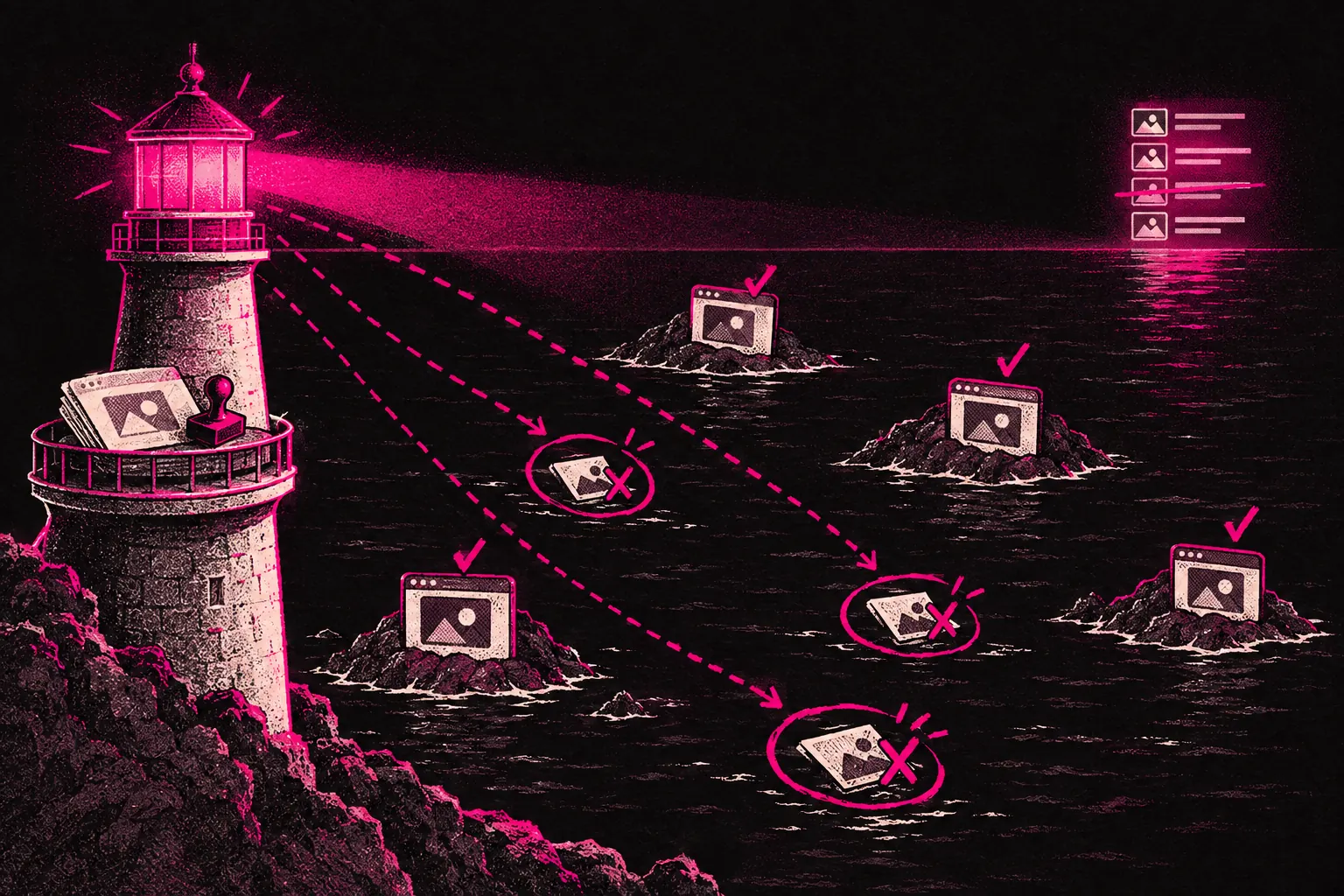
If you post on OnlyFans, there’s a good chance some of your content will end up somewhere it shouldn’t. When it does, the Digital Millennium Copyright Act (DMCA) gives you a legal way to ask for it to be taken down, and you can ask Google to delist the pages that host it.
Leaks are one of the most frustrating parts of being a creator, and they happen a lot. You’re not powerless, though. Knowing how to use DMCA takedowns is part of protecting your business.
What the DMCA is and why it matters
The DMCA is a US copyright law. It sets out a process for copyright holders to ask websites, search engines and other online platforms to remove their content. You don’t have to live in the US to use it. It covers platforms and services that operate under US jurisdiction, and that includes a lot of the big websites, hosting providers and search engines.
As a creator, you’ll usually own the copyright in the photos and videos you make. You don’t have to register anything, because the rights are yours from the moment you create the content. If someone else shoots for you, the copyright may be theirs, so get a written agreement signed by them that transfers it to you. That ownership is what lets you file DMCA takedown notices when someone posts your content without permission.
How content leaks happen
Knowing how your content gets out helps you pick the right precautions.
- Screen recording and screenshots. This is one of the most common routes. A subscriber records your content straight from the app or takes screenshots, and there’s no foolproof way to stop it.
- Leak sites and forums. Some websites exist purely to collect and share leaked creator content. A few run openly, and others hide behind anonymous hosting.
- Telegram and Discord groups. Some groups on these platforms exist to share and trade stolen content. They’re harder to find, but they often hold a lot of leaked material.
- File sharing and torrent sites. Content gets uploaded to file hosts and passed around through links or torrents.
- Social media re-uploads. Your content turns up on Twitter, Reddit or other platforms, posted by accounts pretending to be you or just sharing your work without credit.
If you’ve got paying subscribers, it’s sensible to plan for a leak before one happens.
Filing a DMCA takedown notice
When you find your content somewhere it shouldn’t be, you can file a DMCA takedown notice. It’s a formal legal request asking the site, or the company hosting it, to remove the infringing content.
Most platforms have a DMCA or copyright reporting page. A notice usually needs:
- Your contact details: your name, email address and sometimes a postal address.
- A description of the copyrighted work, meaning which photos or videos are yours.
- The URL of each infringing page, so they can see exactly where your stolen content appears.
- A statement of good faith that you believe the use isn’t authorised.
- A statement that the information in your notice is accurate and, under penalty of perjury, that you’re the copyright owner or authorised to act for them.
- Your signature. An electronic signature is fine.
Platforms that want the DMCA’s legal protection have to act quickly on a valid notice. Some remove content quickly, some drag their feet, and some ignore notices altogether.
Getting your content removed from Google
Even if the leak site ignores your takedown, you can ask Google to delist the pages from its search results. The content stays on the source site, but it becomes much harder for people to find.
Google has its own copyright removal form, and the process is simple:
- Go to Google’s “Remove content from Google” page.
- Choose the copyright removal option.
- Give the original URL of your content (your OnlyFans page, or wherever you first posted it).
- Add the URLs of the infringing pages you want delisted.
- Submit the request.
Google doesn’t approve every request, but if your content has leaked on a large scale, this is worth doing early. Pages that don’t show up in search get found far less by people who are just typing in your name.
Third-party DMCA services
Filing takedowns yourself works, but it takes time, especially if your content has leaked across lots of sites. Several third-party services specialise in automated content protection for creators.
Rulta
Rulta is one of the better-known services for creator content protection. It monitors the internet for your content, finds leaks and files DMCA takedowns for you. That can cut down the time you spend hunting for new leaks yourself.
BranditScan
BranditScan offers similar monitoring and takedowns. It scans leak sites, search engines and social platforms for your content and handles the removal requests. It’s worth a look if you’d rather not deal with any of it yourself.
DMCA.com
DMCA.com offers takedown services and a protection badge you can display on your profiles. It has different tiers depending on how much monitoring and enforcement you need.
These services usually charge a monthly fee. If your content is being leaked regularly, the hours you save can make that worth paying. Compare pricing and coverage before you sign up, and read recent reviews from other creators to see which service is doing a good job right now.
Watermarking your content
A watermark won’t stop leaks, but it can help in two ways. It can back up your claim that the content is yours when you file takedowns. And a visible watermark may put some people off casual sharing.
There are two approaches:
- Visible watermarks. Your name, logo or social handle, placed where it’s hard to crop out. They work as a deterrent, but they can spoil the look of your content for paying subscribers.
- Invisible watermarks. Digital marks hidden in the file’s metadata or pixel data. Viewers can’t see them, but the right tools can detect them. Some creators embed a different identifier for each subscriber so they can trace who leaked a specific piece.
One option is a subtle visible watermark on feed content and an invisible one on premium PPV, so you get some protection without spoiling what subscribers are paying for.
Monitoring for leaks
You can’t act on leaks you don’t know about, so check regularly.
- Google Alerts. Set up alerts for your creator name, your page name and any other terms linked to your content. Google will email you when new pages matching those terms show up in search.
- Reverse image search. Search with your own photos on Google Images or TinEye. It finds sites that have re-uploaded your images, even when they haven’t used your name.
- Manual checks. Every so often, search for your creator name on known leak sites and forums. It’s tedious, but it can catch things automated tools miss.
- Subscriber reports. Some loyal fans will tell you when they spot your content somewhere else. Make it easy for them to reach you about it.
If you use a third-party DMCA service, it should take care of much of this monitoring. If you’re doing it yourself, set aside time once a week to run through your checks.
Realistic expectations
You won’t stop every leak. The steps above are good at getting leaked content removed and making it harder to find, but nothing can stop someone recording or screenshotting your work in the first place.
What DMCA enforcement does is make spreading your content more work. Plenty of sites and hosts act on takedown notices, because ignoring them can cost them their legal protection. Delisting cuts off one of the main ways people find leaks, and watermarks put off casual sharing. Used together, these steps can shrink the reach of a leak a long way, even if they can’t stop leaks entirely.
Treat content protection as an ongoing process. A weekly check and a takedown filed the day you find a leak will keep more of your content out of reach than a big clean-up once a year.
Protecting your work as part of the bigger picture
Content protection is one part of running your page as a business. It sits alongside pricing your page correctly, understanding your tax obligations and tracking your earnings as a way of protecting the income you’re building.
If you work with a management agency, ask whether content protection is part of what they do. Some agencies take on leak monitoring, takedowns or running a DMCA service for you, so get in writing exactly what’s included.
Whichever agency you look at, some basics should be the same. The team will need access to your account to run it, but the account should stay in your name, payouts should go to your bank, and you should be able to change the password and end their access at any time. Look for month-to-month terms with no lock-in, and an invoice that arrives after you’ve been paid.
You can read more about how that model works or look through the Creator Kit for more on protecting and growing your page.
Your content is what you sell and what pays your bills. If you do one thing today, set up a Google Alert for your creator name.