Blog · Part of the Money and Tax guide
OnlyFans Expenses You Can Claim as a UK Creator
The expenses you can claim as a UK OnlyFans creator, from equipment to home office costs, plus the wholly and exclusively rule and what's not allowed.
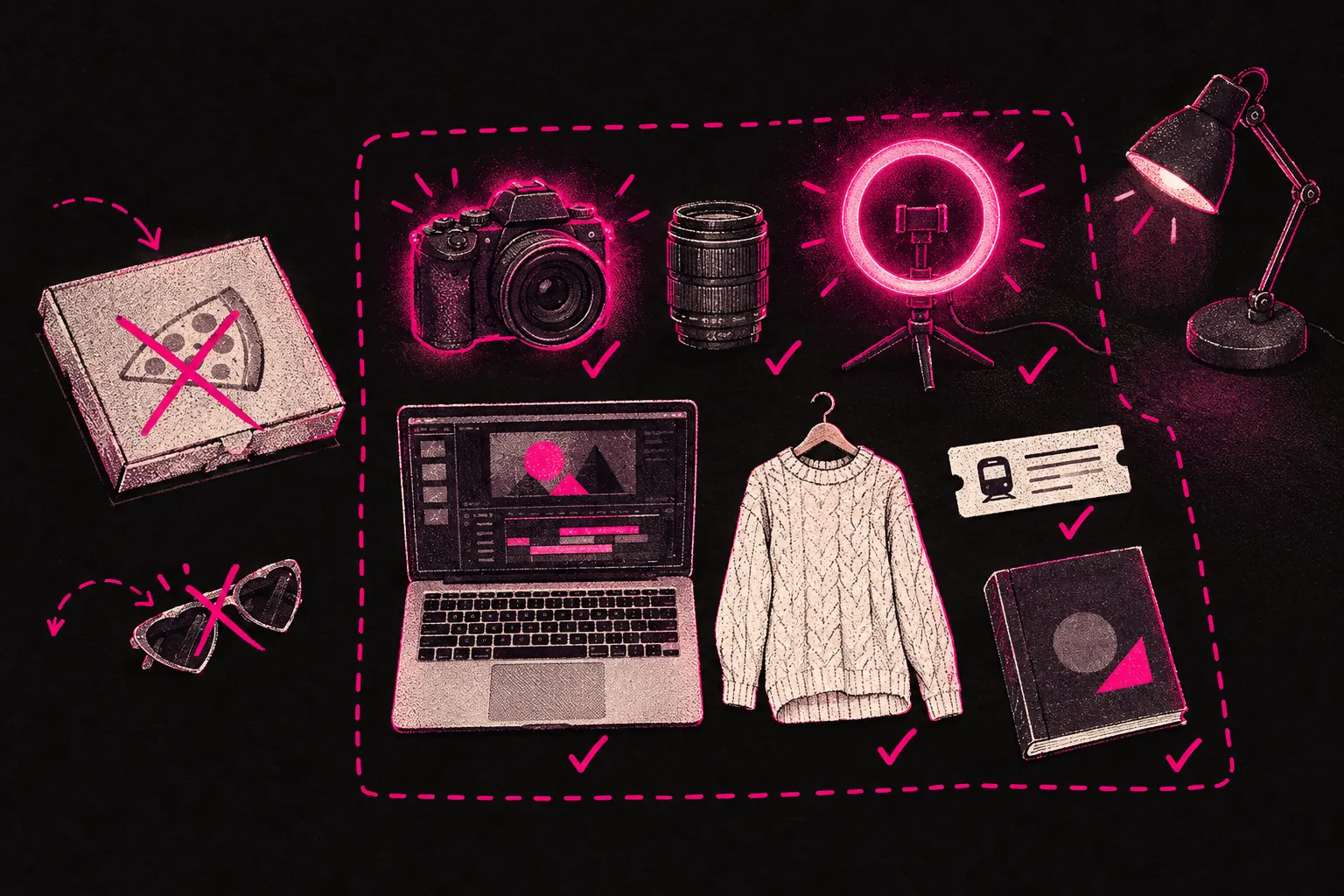
As a UK OnlyFans creator, you can claim the costs you pay wholly and exclusively for your creator business: equipment, software, part of your home costs, promotion, professional fees, business travel and training. Every allowable expense you claim lowers your taxable profit, so you pay less Income Tax and National Insurance.
It’s easy to miss costs you’re entitled to deduct, either because you didn’t know they counted or because you played it too safe. The list below covers the common allowable expenses for UK-based creators, and the things you can’t claim.
Important note: This article is for general information only. It isn’t financial advice. Tax rules change and everyone’s circumstances are different. Speak to a qualified accountant for advice on your situation.
The golden rule: “wholly and exclusively”
Before you start on the list, you need to know the test HMRC uses to decide whether something is a business expense. The cost has to be incurred “wholly and exclusively” for your business.
If you use something partly for business and partly for personal things, you can claim the business share. For example, if you use your phone 60% for creator work and 40% personally, you can claim 60% of the cost.
If something is purely personal and you claim it as a business expense anyway, that isn’t allowed, and it could get you into trouble with HMRC.
Equipment
For a lot of creators, this is the biggest category.
- Cameras and lenses. Whether you use a DSLR, a mirrorless camera or a high-end phone bought for content, the cost is claimable. If the phone is also your personal phone, claim the business share.
- Lighting. Ring lights, softboxes, LED panels and any other lights you use to make content.
- Tripods and mounts. Phone mounts, camera tripods, wall mounts and similar accessories.
- Microphones and audio gear. If your videos have sound, microphones, pop filters and audio interfaces all count.
- Memory cards and storage drives. External hard drives, USB drives and memory cards you use to store content.
Bigger purchases may need to go through capital allowances instead of being claimed as an everyday expense, depending on how your accounts are set up. Your accountant can tell you which applies.
Technology
- Phone. The business share of your phone contract and handset.
- Laptop or computer. If you use it for editing, running your account, scheduling content or messaging subscribers. Claim the business share if you also use it personally.
- Internet. The business share of your home broadband. Base the split on how you really use it, and write down how you worked it out.
- Cloud storage. iCloud, Google Drive, Dropbox or any other cloud service you use to back up or organise your content.
Content props and outfits
This is the part that’s specific to creators.
- Lingerie and outfits bought for content. If you buy items only for making content and wouldn’t wear them in everyday life, you may be able to claim them. This is a grey area for clothing, so keep the receipts, note what each item was for, and check with your accountant.
- Costumes and themed outfits. Fancy dress, cosplay outfits or particular looks bought for shoots.
- Props and set dressing. Anything you buy specifically to use in your content, from backdrops to decorations.
- Beauty and grooming products. Another grey area. Products used only for shoots (stage makeup, professional products for filming) are easier to justify than everyday grooming. Be cautious and ask your accountant.
The test is always the same: is the item used only for your business, or does it have a clear business share?
Software and subscriptions
- Editing software. Adobe Creative Cloud, Lightroom, Final Cut Pro, Canva Pro or any other editing tools you use for content.
- Scheduling and management tools. Any software you use to plan and schedule posts.
- VPN. If you use a VPN for your creator work, the subscription is claimable.
- Cloud storage subscriptions. The ongoing cost of storing and organising your content.
- Music and sound licences. If you pay for licensed music or sound effects for your videos.
- Website hosting and domains. If you run your own website or landing pages for promotion.
Home office costs
If you work from home, as many creators do, you can claim part of your household costs. There are two ways to do it.
Simplified expenses (flat rate)
HMRC offers a flat rate based on how many hours a month you work from home:
- 25 to 50 hours a month: £10 a month
- 51 to 100 hours a month: £18 a month
- 101 hours or more a month: £26 a month
It’s simple, but it may not cover your real costs, especially if your bills are high. Check the current flat rates on GOV.UK before you claim.
Actual cost method
You work out what share of your home you use for business and claim that share of your household costs. You can include:
- Rent or mortgage interest (not the part of the mortgage payment that repays the loan)
- Council tax
- Gas and electricity
- Water rates
- Home insurance
For example, if you have a room used only for content and it’s 10% of your home’s floor area, you could claim 10% of those costs. If you only use the room for business part of the time, adjust the figure to match.
The actual cost method can give you a bigger claim, but you’ll need more detailed records. Your accountant can work out with you which method suits your situation.
Marketing and promotion
- Paid social media ads. If you run paid ads on Instagram, TikTok or Twitter to promote your creator brand.
- Social media management tools. Scheduling tools, analytics platforms and other marketing software.
- Promotional costs. Money you spend on collaborations, shoutouts or cross-promotion.
Professional services
- Accountancy fees. What you pay an accountant to prepare your tax return and advise you is itself a claimable expense.
- Agency management fees. If you work with a management agency, the fees you pay are a business expense. At TalentGrow, for example, we invoice after you’ve been paid, for the agreed split, and that cost comes off your taxable profit.
- Legal costs. Solicitor fees for business matters, such as having a contract reviewed.
- Financial software. Subscriptions to tools like Xero, FreeAgent or QuickBooks.
Travel
If you travel specifically for your creator business, you can claim the costs:
- Train, bus or flight fares to shoot in different locations.
- Mileage if you drive (HMRC’s approved mileage rate is 45p per mile for the first 10,000 miles, then 25p per mile). Check GOV.UK for the current rates.
- Accommodation if you need to stay somewhere overnight for a shoot.
- Parking and tolls.
Everyday commuting doesn’t count (and you probably work from home anyway), but travelling to a specific shoot location or to a meeting with your accountant does.
Training and professional development
- Courses and workshops that relate to your business. Photography courses, video editing training, marketing workshops and similar learning are all claimable.
- Books and learning materials about running your business or improving your content.
The training has to relate to the business you already run. You can’t claim for training to start a completely new line of work.
What you cannot claim
These aren’t allowable:
- Personal clothing (even if you happen to wear it in photos)
- Personal grooming and everyday beauty products
- Fines or penalties
- Entertaining clients or contacts (HMRC doesn’t allow this for sole traders)
- The part of your mortgage payments that repays the loan
- Anything purely personal, however you try to frame it
Record keeping
Keep every receipt, invoice and bank statement linked to your expenses. HMRC can ask to see them for up to five years after the filing deadline for that tax year.
The easiest way is to use cloud accounting software, photograph receipts as soon as you get them, and sort expenses into categories as you go. Trying to piece it all together at the end of the year is much harder. Use our tax calculator to see how your expenses change your overall tax position, and our earnings calculator to model different scenarios.
Getting help
If you’re not sure whether something counts as an allowable expense, ask your accountant. Checking first beats missing a legitimate claim, or including something that leads to questions from HMRC. An accountant who works with creators will be able to tell you what is and isn’t allowable in your case.
If you’d like a team to run chat, posting and promotion on your page, you can find out more about how we work or apply to work with us.
This article is for general information only and isn’t financial advice. Tax rules and rates can change. Always speak to a qualified accountant about your own circumstances.