Blog · Part of the Safety and Privacy guide
OnlyFans Geo-Blocking: How to Hide Your Page by Country
How OnlyFans geo-blocking hides your page from the countries you pick, how to set it up, why a VPN gets round it, and what blocking a big market costs.
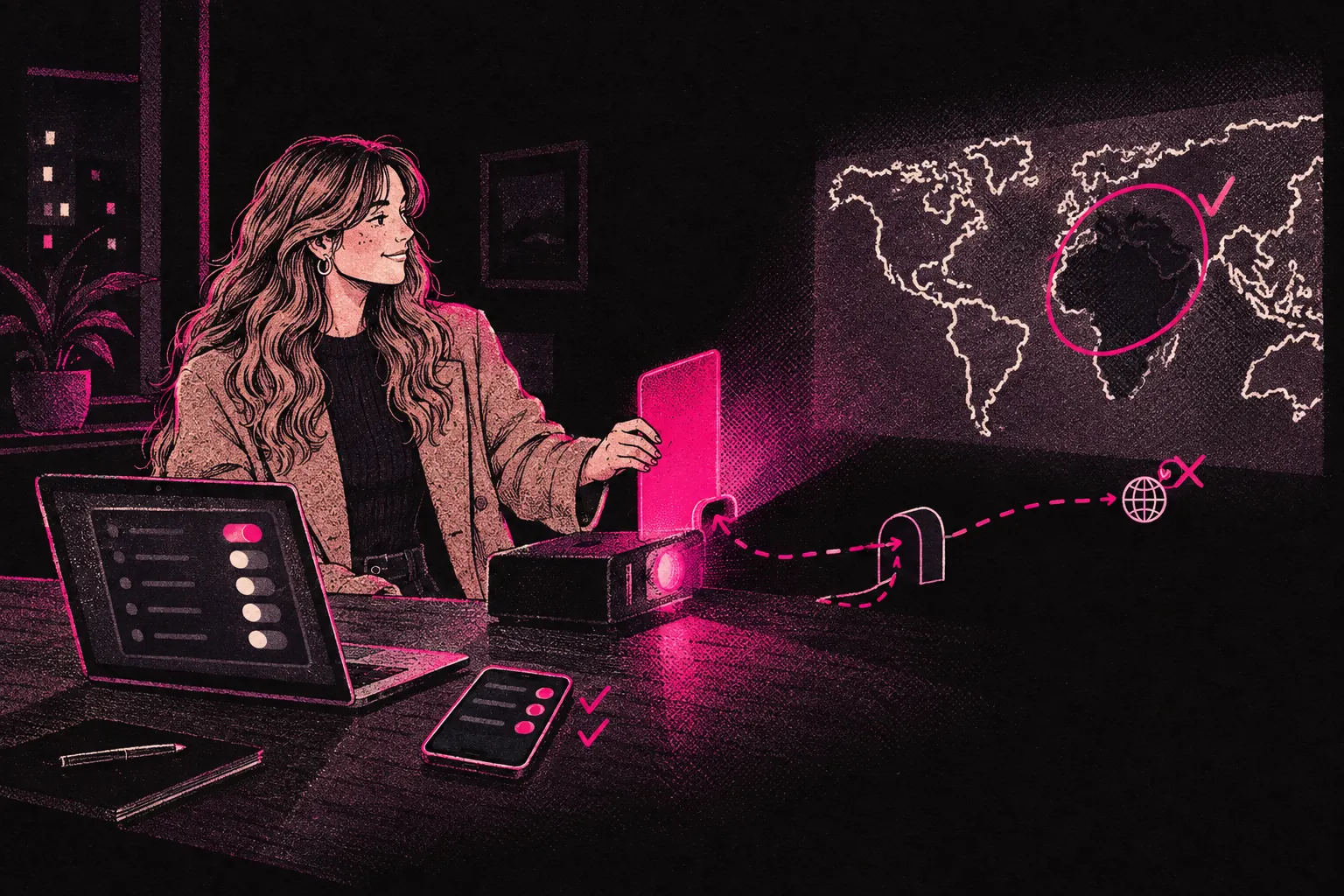
Yes, you can hide your OnlyFans page from people in specific countries. The feature is called geo-blocking, and you’ll find it in your privacy settings. It won’t stop someone using a VPN, but it keeps your page away from casual browsers in the places you block.
“Can people in my country see my page?” is one of the first things new creators ask. For a lot of people, the answer decides whether they start at all. Below you’ll find how geo-blocking works, what it can and can’t do, and how to get the most out of it.
What is geo-blocking?
Geo-blocking stops people in certain countries reaching your OnlyFans page. When you block a country, anyone using OnlyFans from an IP address in that country can’t find or view your page.
It won’t make you invisible. But it’s a solid layer of privacy, and it’s worth considering even if you’re not sure you need it.
Why creators use geo-blocking
The reasons vary, but nearly all of them come back to privacy.
Hiding from people in your home country
This is the usual reason. If you don’t want friends, family, colleagues or people from your area stumbling across your page, you block your home country. If you live in the UK and most of your fans are abroad, blocking the UK means people browsing from British IP addresses can’t see your page.
Separating personal and professional life
Even if you’re open about what you do, you might not want your content one click away for the people around you every day. Geo-blocking puts some distance between your everyday life and your life online.
Targeting specific markets
Some creators use geo-blocking to focus their page as well as to protect themselves. If your content and marketing are aimed at particular regions, you might block countries where you’ve got no audience, or where the market doesn’t fit your niche.
Legal or cultural considerations
Content laws differ from country to country. Some creators block regions where their content might clash with local rules, or where payments don’t go through reliably.
How to set up geo-blocking on OnlyFans
It only takes a few minutes. These are the steps.
- Log in to your OnlyFans creator account and go to your settings.
- Open the privacy settings. Look for a section called “Privacy and Safety” or “Security”. OnlyFans changes its layout from time to time, so the exact place may move.
- Find the geo-blocking option. Inside your privacy settings, look for “Blocked countries” or “Geo-blocking”. This is where you choose which countries can’t see your profile.
- Pick the countries you want to block. You’ll see a list. Select each one you want to hide your page from.
- Save your changes. Confirm your choices and save. People in those countries shouldn’t be able to reach your page any more. Open the setting again afterwards to check your list saved.
Limitations of geo-blocking
Geo-blocking is useful, but it’s not foolproof. Know where it falls short so you can use it well.
VPNs bypass geo-blocking
This is the biggest weakness. A VPN (Virtual Private Network) can make it look as if someone’s browsing from a different country. If someone in a country you’ve blocked turns on a VPN set to another region, they’ll see your page as normal.
Plenty of people use VPNs, but it’s still an extra step. So geo-blocking mostly protects you from people who’d stumble across your page. Someone searching for you on purpose can get round it.
It blocks potential subscribers too
When you block a country, you block everyone browsing from there without a VPN. That includes the people you’re hiding from, and it also includes anyone there who’d happily pay to subscribe. Block the UK, and UK fans can’t reach your page either.
It’s a trade-off, so think it through. You might decide your privacy matters more than the money you could lose. Just make that choice with both sides in view.
IP geolocation is not perfect
Geo-blocking relies on IP location data, which is usually right but not always. Mobile networks, work VPNs and some internet providers can make someone look like they’re in a different country. That cuts both ways: someone might slip past your block, or someone might be blocked by mistake.
Which countries to consider blocking
This depends on your situation, and there’s no single right answer. These are the usual approaches:
- Block your home country. If you live in the UK, you block the UK. If you live in Australia, you block Australia.
- Block neighbouring countries. If you live near a border, or people you know often travel to nearby countries, you might block those as well.
- Block countries where you’ve got no audience. If your content is in English and your marketing targets English-speaking regions, you could block countries where you’re unlikely to find subscribers anyway. Weigh the few subscribers you might lose there against being a bit harder to find.
- Keep big markets open. The US, UK, Canada and Australia are big markets for English-language creators. If you block one of them, think about what that might cost you. Our guide to staying anonymous on OnlyFans covers ways to protect your privacy without giving up your biggest markets.
Combining geo-blocking with other privacy measures
Geo-blocking works best as one part of a wider privacy plan. Don’t rely on it alone.
Use a stage name
Never use your real name on your OnlyFans page. Pick a creator name and username you’ve never used anywhere else. It’s basic, but it matters.
Avoid identifiable details in content
Distinctive tattoos, places people would recognise, work uniforms, unusual furniture or the view from your window can all give you away. Check what’s in the frame before you post.
Separate your social media
If you promote your OnlyFans on social media, make new accounts just for that. Don’t link them to your personal profiles, and don’t reuse a name you use anywhere else.
Watermark with care
Your watermark should show your creator name and nothing that could identify you. It keeps your creator name on content that gets shared, without putting anything personal on it.
Our complete anonymity guide goes into far more detail on building a full privacy plan. Our guide to OnlyFans safety covers security more widely.
Common mistakes with geo-blocking
Forgetting to block before you go live
Set up geo-blocking as soon as you’ve been through the verification process, before you publish any content or make your page active. Once the page is live, someone could find it before you’ve got round to it. Do it first.
Only blocking one country when you should block more
Think about where the people who know you are. If you’ve got family abroad, or friends who travel a lot, think about blocking those countries too. If being recognised there would worry you, block them.
Assuming geo-blocking makes you completely invisible
It doesn’t. It’s one tool among several, and leaning on it while ignoring everything else leaves you open.
Turning off geo-blocking without thinking it through
Some creators lift their geo-blocks once they feel more confident and want a bigger audience. That’s fine if you’ve thought it through. But once you unblock a country, you can’t undo someone seeing your page. Take your time over it.
Does geo-blocking affect your earnings significantly?
It depends on what you block.
Block a small country where few people use OnlyFans, and you probably won’t notice. Block the United States, one of the biggest markets on OnlyFans, and the hit could be large.
If you’re in the UK and only block the UK, the US, Canada and Australia are still open to you.
Only you can weigh privacy against income. If you’re unsure, block your home country first and keep an eye on your earnings. You can change your list later, though unblocking carries the risk above.
Making the decision
Geo-blocking is a quick, practical privacy tool every OnlyFans creator should know about. It isn’t perfect, and it shouldn’t be your only protection. Put it together with a stage name, care over what’s in your content, and separate social media accounts, and you’ve got a solid base.
If you’re still deciding whether to start and privacy is your biggest worry, remember this is one of several tools you can use. Using several of them together gives you more protection than any one of them on its own.
If you’d like help with privacy setup and running your account, you can see how our management process works or look through our creator kit for more resources.