Blog · Part of the Growth and Marketing guide
Using Instagram Reels for OnlyFans Without Getting Banned
How to promote OnlyFans with Instagram Reels without losing your account: what gets you banned, Reel formats that make people curious, and safer hashtags.
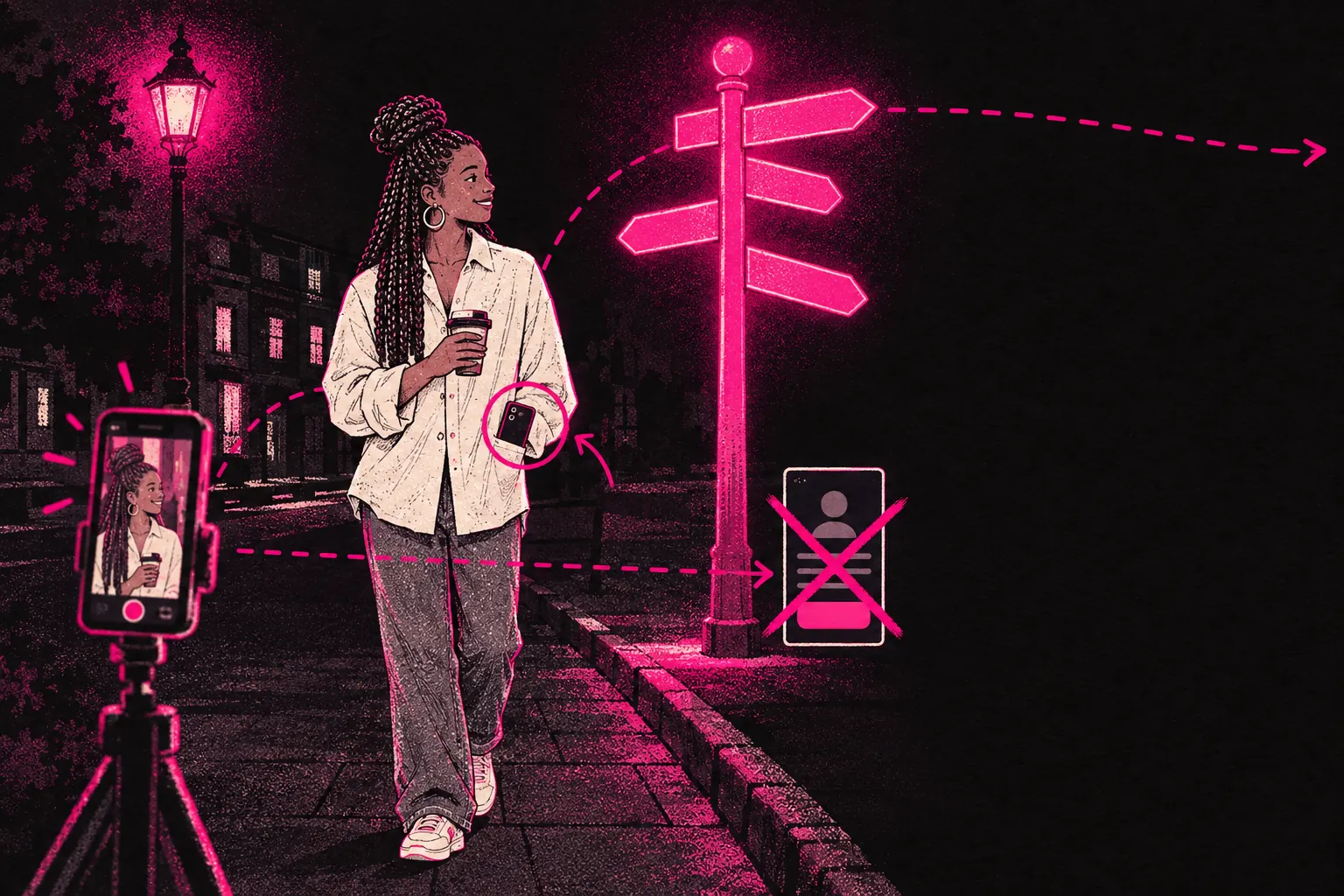
You can use Instagram Reels to bring people to your OnlyFans, but only indirectly. Post safe-for-work Reels that make people curious about you, send them to a link-in-bio page with several links, and never mention or link OnlyFans on Instagram itself.
Instagram has over two billion monthly active users, so the audience is huge. The catch is that it’s also one of the strictest platforms about adult content. Get it wrong and your account can vanish overnight, sometimes with no warning, and getting it back can be hard.
Why Instagram is tricky but worth it
Instagram’s big advantage is reach. One Reel can be shown to hundreds of thousands of people who’ve never heard of you. For building a personal brand, few platforms are as good at putting you in front of new people.
The difficulty is obvious. Instagram bans adult content, nudity and sexual solicitation, and in many cases it won’t allow links to adult platforms either. Its automated moderation is aggressive, and appeals can be slow and frustrating.
So you can’t treat Instagram the way you treat Twitter or Reddit. You can’t post explicit content, use openly suggestive language, or link straight to your OnlyFans page. What you can do is build a persona, make people curious, and point them towards your other platforms, where the direct promotion happens.
What gets you banned
Before looking at what works, you need to know what doesn’t.
Direct links to OnlyFans
Instagram can flag and remove links to OnlyFans and similar sites. Putting your OnlyFans URL in your bio or in a caption is asking for trouble.
Explicit or semi-explicit content
That includes nudity, implied nudity, very suggestive poses and anything Instagram’s AI decides is sexual. The line is vague, which is frustrating. One account gets away with something another gets flagged for.
Certain keywords
Words and hashtags linked to adult content can trigger automated moderation. Abbreviations and slang for adult content can get picked up too.
Link-in-bio pages that go straight to adult content
Instagram can see where your links lead. If your Linktree has nothing on it but an OnlyFans link, you’re at risk.
Mass following and unfollowing
Aggressive follow and unfollow tactics can get your account action-blocked or disabled.
Safe strategies that actually work
On Instagram, you’re not trying to sell. You’re trying to make people curious enough to go and find you on platforms where you can. These are the ways to do that.
Lifestyle and personality content
The approach you can keep up for longest is building a personal brand that makes people want to know more about you. Post things that are interesting, funny or relatable, and that give viewers a sense of who you are.
Reel formats that work well:
- Day-in-the-life videos. Morning routines, getting ready, running errands, and behind the scenes of your work (framed as general content creation or modelling)
- Outfit and try-on videos. Fashion does well on Instagram, and it’s a reason to show yourself looking good without crossing any lines
- Humour and personality clips. Funny takes, reactions, relatable moments. These often get shared and bring new people to your profile
- Travel and lifestyle. If your life looks like something people want, they may follow along
- Trending audio with a twist. Use popular sounds and formats, but put your own spin on them
Everything you post should make someone think “I want to see more of this person.” That curiosity is what gets them to click your link.
The “link in bio” approach
You can’t link straight to OnlyFans, so you need something in between. Set it up like this.
Use a link-in-bio tool, like Linktree or something similar, with several links on it: your Twitter/X profile, a personal website, a content preview page, and your subscription link among them. The page shouldn’t look like it exists only to send people to adult content.
Keep the wording in your Instagram bio neutral. “All my links below” or “more of me” is safer than anything that mentions exclusive or adult content. Never name OnlyFans in your captions, bio or comments.
Reel formats that drive curiosity
You don’t need to push the limits to get clicks. Aim for Reels that leave a gap between what someone sees on Instagram and what they imagine you post elsewhere.
Transition videos go from casual clothes to a more polished look, or from everyday life to “work mode”. They hint there’s more to see without showing anything that would get flagged.
POV videos put the viewer in a scenario from a first-person view. They’re popular on Instagram anyway, and they can give viewers a sense of personal connection.
Confidence and body positivity videos, about self-expression or feeling good in your body, often go down well on Instagram, and they can draw in people who like supporting creators.
Behind-the-scenes clips without the final result show the preparation, the setup and the before. Let people wonder about the after.
Hashtag strategy for Reels
Hashtags work a bit differently on Reels than on feed posts. Instagram leans more on what’s in the video to decide who sees a Reel, but hashtags still help it sort your content and help people find it.
Use three to five hashtags per Reel, with a mix of broad and niche tags.
Safe types of hashtag to draw from:
- Lifestyle and aesthetic hashtags (linked to your visual style)
- Fashion and beauty hashtags (if they fit your content)
- Creator and content-maker hashtags (framed as general content creation)
- Location hashtags (if you want a local audience)
- Trending hashtags (check what’s doing well on the Explore page)
Avoid:
- Anything openly adult or suggestive
- Hashtags Instagram has banned or restricted
- Hashtags linked to promoting subscription sites
Check each hashtag before you use it. If searching for it on Instagram shows a “recent posts hidden” warning, leave it alone.
Building a persona that drives curiosity
The strongest Instagram presence for a creator makes people feel they’re only seeing part of the picture. You want viewers to think “there must be more somewhere.” That curiosity is what turns a viewer into a subscriber.
Build it by keeping a clear line between what you show and what you don’t. Have a recognisable look. Post regularly so people get used to seeing you. Write captions that hint at a fuller life without spelling out what that means.
Your Instagram should feel like the public side of someone who also has a more private, exclusive side. That gap is what sends people looking for your other platforms.
Using Stories alongside Reels
Reels help new people find you. Stories keep you in touch with the people who already follow you.
Post Stories daily to stay visible. They sit at the top of followers’ feeds and keep you on their mind.
Use polls, questions and sliders. They give followers an easy way to interact with you, and those replies tell you what your audience wants to see.
Share behind-the-scenes moments. Stories feel more personal than Reels, so use them to build the closeness that makes followers want to see more of you elsewhere.
Keep calls to action gentle. Something like “New content up, check my link” is plenty. Stories disappear after 24 hours, but they’re still covered by the same rules as everything else.
Backup account strategies
Instagram accounts do get disabled, sometimes with no clear reason, and appeals don’t always work. Going in without a plan B is a risk.
Be careful with backup accounts. Instagram’s terms don’t allow you to create a new account after it has disabled one of yours, so a backup set up to replace a banned account can be removed as well. Don’t count on one as your safety net.
Don’t openly link your accounts to each other. If Instagram connects them, it can act on all of them at once.
Store your content somewhere else. Don’t use Instagram as your archive. Keep everything saved on your own device or in cloud storage.
Build your audience in places that don’t depend on Instagram. An email list, a personal website or a Twitter presence means that if Instagram removes you, you haven’t lost everyone.
When to consider agency support
Posting regularly on Instagram is hard. The content demands are high, the rules are strict, the risk of losing your account is real, and because the promotion is indirect, results take time to show up.
A management team can take on your social media strategy across platforms, keep your posting on track, manage your content calendar, and make sure your Instagram fits with what you’re doing on Twitter, Reddit and your OnlyFans page. The team needs access to your OnlyFans account to do that. It stays in your name, payouts go to your bank, and you can change the password and end the access at any time. We invoice after you’re paid, and there’s no lock-in.
If you’re spending more time promoting than making content, it’s worth asking whether that’s the best use of your time. You can read more about how the management model works, try the free tools we offer for creators at any stage, or apply to work with us if you’d like to talk about your situation.
For more on Instagram beyond Reels, the Instagram strategy guide covers feed posts, Stories and the full funnel in more detail. And if Twitter is part of your plan, the Twitter/X strategy guide covers how to use it alongside Instagram to reach more people.