Blog · Part of the Growth and Marketing guide
OnlyFans Linktree Alternatives: Best Link-in-Bio Tools
Which link-in-bio tools allow OnlyFans links, how adult-friendly Linktree alternatives compare on rules, features and price, and which to skip.
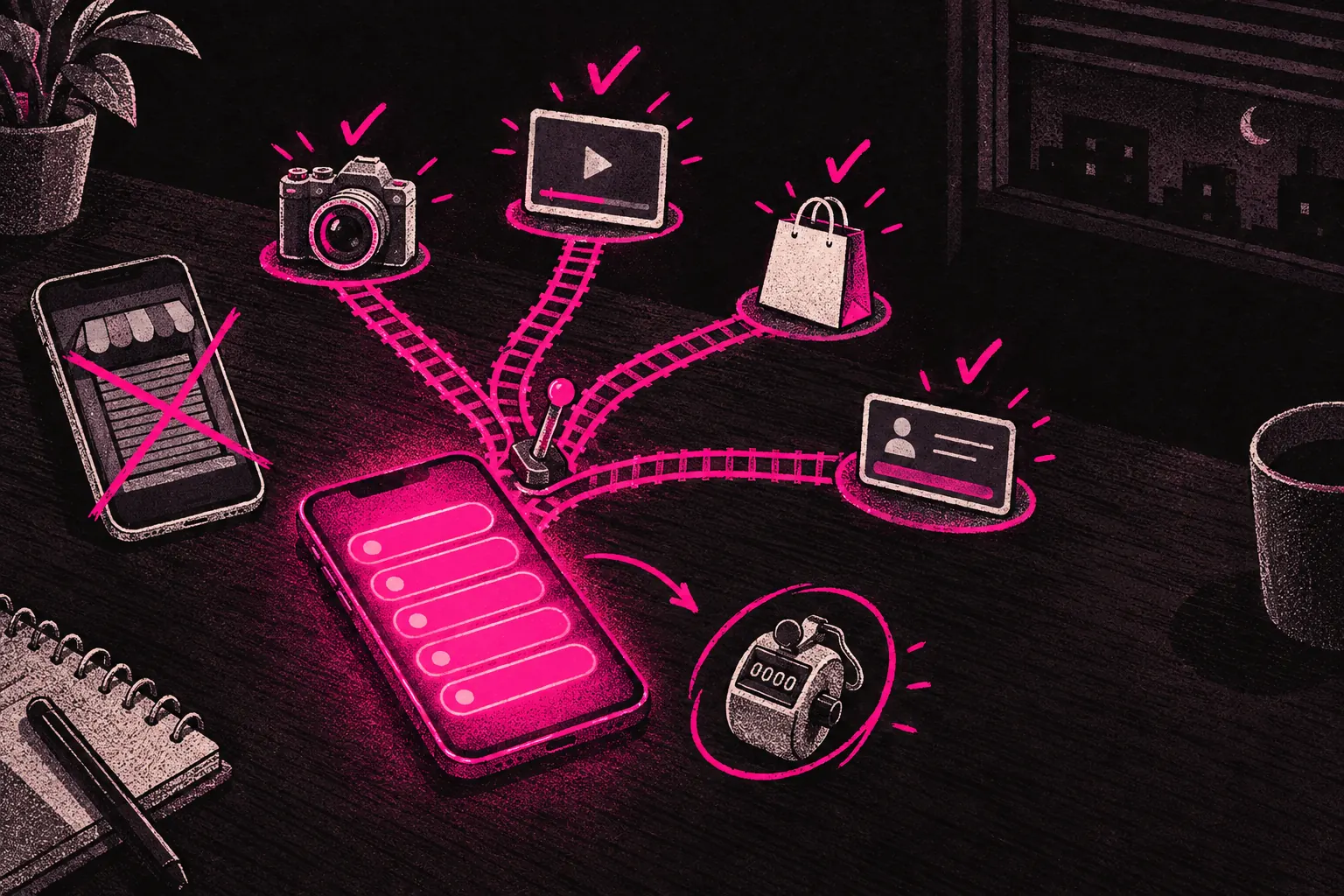
The best Linktree alternatives for OnlyFans creators are AllMyLinks if you want something free that openly allows adult creators, Beacons if you want more features and analytics, and your own landing page if you want full control. Stan Store doesn’t allow adult content, and Koji has shut down, so skip both.
Social platforms give you very little room for links. TikTok gives you one clickable URL. X gives you a single website field on your profile. Even Instagram only lets you add a handful of links in your bio. If you want followers to become paying subscribers, those few links have a lot of work to do.
A link-in-bio tool gives you a simple landing page that sits between your social profiles and your OnlyFans page. Visitors get several options, and you can see where your traffic comes from.
Not every link-in-bio tool treats adult creators the same way, though. Some have removed creators’ pages with little or no warning, so check the rules before you build.
Why link-in-bio pages matter for creators
The obvious reason is that you need somewhere to put your links. The bigger reason is what a good page lets you do with them.
A good link-in-bio page lets you:
- Send people to different places. You might want new visitors to see your free page first, or send them to a social profile where they can get to know you before you ask them to subscribe.
- See which platforms work. If you’re promoting on Instagram, TikTok, X and Reddit at the same time, you need to know which one brings in subscribers.
- Look professional. A branded landing page shows you take your page seriously as a business.
- Change things quickly. Running a promotion or launching a new page? Update your link-in-bio page, and you don’t have to change the link in every social profile.
The problem with Linktree for adult creators
Linktree is the best-known link-in-bio tool, and plenty of creators start with it because it’s free and simple. The catch is its history with adult content.
Linktree has removed pages that linked to adult platforms before, saying they broke its rules, and creators have reported losing their pages with little or no warning. Its current rules allow links to adult sites as long as you mark them as sensitive, so visitors see an age warning first. You still can’t put adult images anywhere on the page itself. When a link-in-bio page disappears, every social profile pointing to it leads to a dead end overnight.
That’s a big risk to take with your income. If your earnings depend on people finding your page, pick a tool that openly welcomes adult creators, and read its current rules before you build.
Adult-friendly alternatives
AllMyLinks
AllMyLinks was built with adult creators in mind. It’s one of the best-known options for OnlyFans creators, and it’s easy to see why.
- Adult content: Yes. Its terms of service say adult content creators are welcome. You’ll need to keep 18+ links in their own section, and you can’t sell adult content through the page itself.
- Customisation: Basic but it does the job. You can add a profile photo and background colour, and group your links into categories.
- Analytics: Built-in click tracking and visitor counts. Enough to see which links get clicked and where your traffic comes from.
- Price: Free, with a paid upgrade if you want extra features.
The main downside is that AllMyLinks looks fairly basic next to newer tools. It works, but if you want a polished, branded landing page, you might outgrow it.
Beacons
Beacons sells itself as an all-in-one creator toolkit, and it has far more features than AllMyLinks.
- Adult content: Allowed for links, with conditions. You have to turn on its sensitive content notice, and everything on your Beacons page itself has to be suitable for all ages.
- Customisation: Extensive. Media blocks, email sign-up forms, embedded content, and full control over colours, fonts and layout.
- Analytics: Detailed. It tracks clicks, views, conversion rates and traffic sources.
- Price: There’s a free plan. Paid plans start at around $10/month. The free plan takes a cut of anything you sell through Beacons.
The free plan is enough for most creators who are just starting out.
Hoo.be
Hoo.be was made for social media creators who want to earn from their following.
- Adult content: Check Hoo.be’s current terms on adult content, or ask them directly, before you build your page there.
- Customisation: Good. It supports media embeds, custom backgrounds and several link styles.
- Analytics: Solid click and visitor tracking.
- Price: Free, with premium options.
Feature-wise, Hoo.be sits between AllMyLinks and Beacons. It’s more polished than AllMyLinks and simpler than Beacons.
Stan Store
Stan Store is mainly a shop, not a link page. It lets you sell digital products and book calls directly.
- Adult content: No. Stan Store doesn’t allow adult content, so it’s not suitable for most OnlyFans creators.
- Customisation: Good. A clean, professional shop layout.
- Analytics: Built-in sales and traffic tracking.
- Price: From $29/month.
Unless all your content is SFW and you want to sell courses or coaching alongside your OnlyFans, Stan Store isn’t the right fit.
Koji
Koji used to offer interactive “apps” for your link page, like mini-games, tip jars and gated content. It no longer exists. Linktree bought Koji and shut its link-in-bio product down, so if an older guide still recommends it, pick one of the tools above instead.
Building your own landing page
Some creators skip third-party tools and build their own simple landing page. A one-page site with your photo, a short bio and a few links is easy to set up with a builder like Carrd (around $19/year) or a basic HTML page on a cheap domain.
The advantages:
- Less platform risk. If you host the page yourself, nobody else decides whether it stays up. If you use a builder like Carrd, its terms still apply to your page, so read them first.
- Full control over branding. Match the page to the look of your OnlyFans exactly.
- A custom domain. A URL like yourname.com looks more professional than a subdomain on someone else’s site.
- Search traffic. Your own domain can show up in search results and bring in visitors over time.
The downsides: you don’t get analytics built in (though you can add Google Analytics), and it takes more work to set up than signing up for a free tool.
Our creator kit includes guidance on setting up branded landing pages that work for OnlyFans promotion.
Best practices for your link-in-bio page
Whichever tool you pick, how you lay out your page matters as much as where you build it.
What to include
- A clear profile photo. Use the same one you use everywhere else, so visitors recognise you straight away.
- A short bio that makes people want to click. One or two sentences on what they’ll get if they subscribe.
- Your main link first. Put your OnlyFans page, or whatever you most want people to click, right at the top, where nobody has to scroll to find it.
- Other links underneath. Your other social profiles, a free page, a wishlist or other platforms.
- A call to action. Don’t just list links. Tell people why they should click.
Link ordering
Put your links in order of what matters most to you. If your goal is OnlyFans subscribers, that link goes first, wherever it sits among your platforms. Check the order regularly. When you’re running a promotion or launching something new, move that link to the top.
Branding
Your link page should look like it belongs to the same brand as everything else. Use the same colours, photos and tone of voice. Someone going from your social profile to your link page to your OnlyFans should feel like they’re in the same place the whole way.
Tracking your traffic sources
Seeing where your traffic comes from is one of the most useful things a link-in-bio tool does. Most tools’ built-in analytics only give you part of the picture, though.
For more detailed tracking:
- Use UTM parameters on links you control, so your analytics show which platform or campaign sent each click. For your OnlyFans link itself, OnlyFans’ own tracking links show how many people clicked and subscribed through each one.
- Check your numbers every week, and look at which platforms are worth your time and which aren’t bringing anyone in.
- Test and adjust. If Instagram sends ten times more traffic than TikTok, think about putting more time into Instagram. If a new platform starts picking up, give it more attention.
Knowing where your traffic comes from lets you focus on what works instead of guessing. For more on individual platforms, read our guides on using X to drive traffic and building an Instagram funnel.
Choosing the right tool
For most OnlyFans creators, it comes down to this:
- If you want something simple and free that openly welcomes adult creators, start with AllMyLinks.
- If you want a more professional page with more features, and you don’t mind spending time setting it up, go with Beacons and turn on its sensitive content notice.
- If you want complete control over your page, build your own landing page.
Whichever you choose, make sure your link-in-bio page works every time, looks professional, and makes the next step easy for anyone thinking about subscribing. Click through it from your phone once a week to check every link still goes where it should.