Blog · Part of the Safety and Privacy guide
Common OnlyFans Scams Targeting Creators: How to Spot Them
How fake agencies, phishing, chargebacks and impersonation accounts target OnlyFans creators, the warning signs, and what to do if you've been scammed.
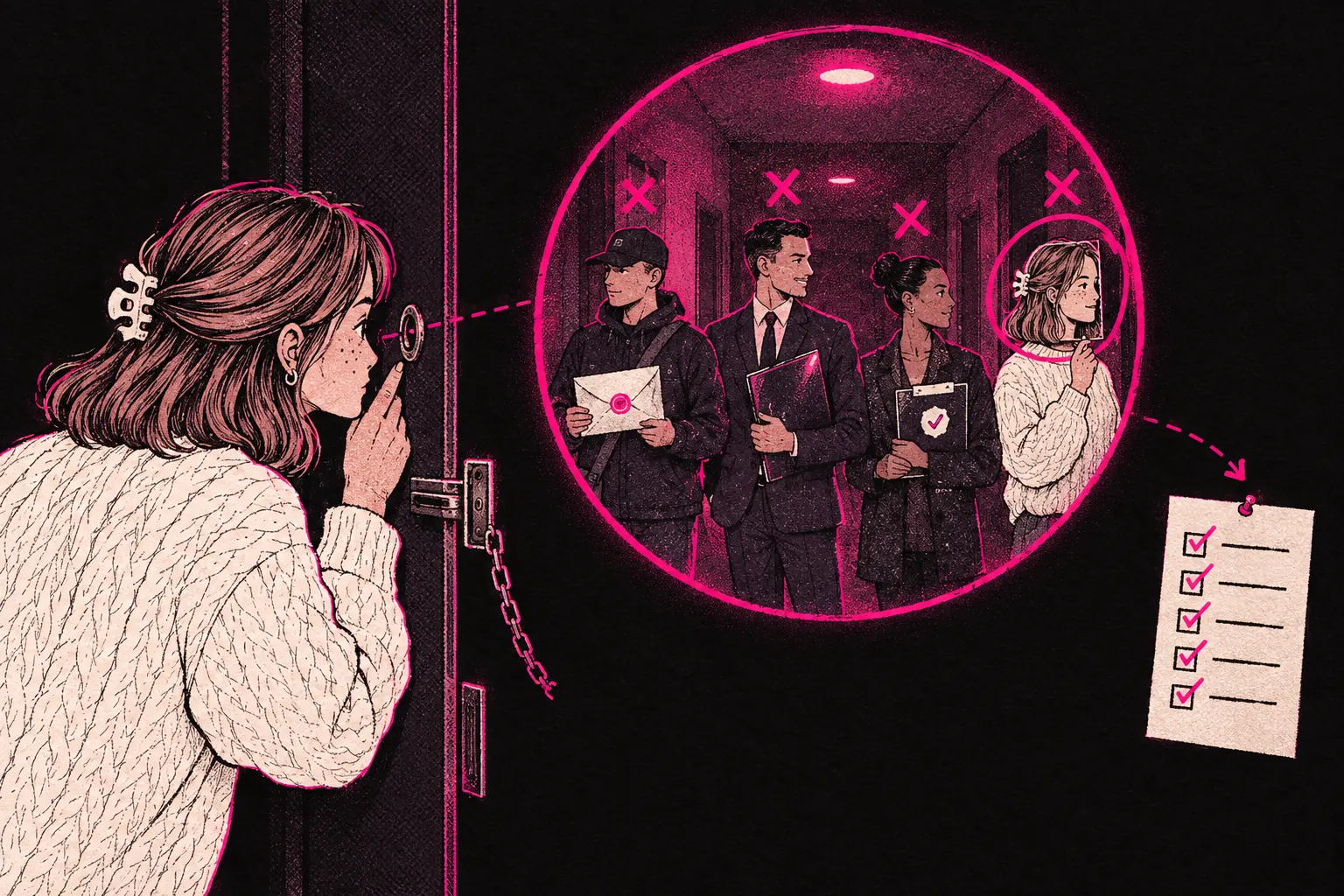
The most common scams aimed at OnlyFans creators are fake agencies, phishing emails, chargebacks, fake verification requests, fake collaboration offers and accounts pretending to be you. Once you know how each one works, they’re much easier to spot.
Creators make attractive targets. A lot of them work alone, some earn serious money, and a normal business arrangement in this industry can look unfamiliar when you’re new. The rest of this page covers how each scam works, the signs to look for and what to do if you’ve already been caught out.
The scams OnlyFans creators face
Scammers go after creators at every stage. New creators tend to get fake “agency” offers and phishing emails. Established creators are more likely to face chargeback fraud and impersonation. The methods change, and what they’re after is nearly always access to your account, your money or your personal information.
Fake agency scams
A fake agency can do a lot of damage. Someone messages you saying they run a management agency and promises fast growth and huge earnings. The red flags are there if you know where to look.
What fake agencies do
- Ask for access to your account, including payment details, without putting in writing what they can reach, what they’ll never touch and how you remove their access.
- Charge large fees upfront before doing any work.
- Promise earnings figures that sound too good to be true.
- Tie you into long contracts with harsh exit clauses.
- Take over your account and switch the payout details to their own.
How legitimate agencies work
A real management agency does need access to your account to run chat, posting and promotion. That shouldn’t cost you control of it. The account stays in your name, payouts go to your own bank, and you can change the password and end the agency’s access whenever you like. The agency invoices you for the agreed split after you’ve been paid, and the contract runs month to month with no lock-in. If someone wants more than that, such as your bank details or a say over where your payouts go, they aren’t running a legitimate business.
Our contracts guide sets out what a fair management agreement looks like and which clauses to avoid. You can also see how our process works as an example.
Phishing attempts
Phishing is when someone pretends to be a company you trust so they can steal your login details. The usual version is a fake OnlyFans email saying there’s a problem with your account, your payout is on hold or you need to verify your identity. The email links to a fake login page that records whatever you type into it.
How to spot phishing
- Check the sender’s address carefully. Official OnlyFans emails come from @onlyfans.com addresses.
- Hover over a link before you click it. If the address doesn’t go to onlyfans.com, it’s fake.
- OnlyFans won’t ask you to “verify” your password by email.
- Watch for poor grammar, odd formatting or a generic greeting.
If an email like this lands, don’t click anything in it. Open a new tab, go straight to onlyfans.com and log in there. If something’s wrong with your account, you’ll see it in your dashboard. And if you haven’t turned on two-factor authentication yet, do it today. Our two-factor authentication guide shows you how to set it up.
Chargeback scams from subscribers
A chargeback is when a subscriber pays for content, gets it, then disputes the charge with their bank to get a refund. You can’t stop this happening altogether, but knowing how it works helps you limit the damage.
Common chargeback patterns
- A subscriber tips heavily or buys expensive PPV, then disputes all of it a few days later.
- Someone subscribes, screenshots or downloads everything on your page, then files a chargeback.
- Someone subscribes with a stolen card, and the real cardholder disputes the charges.
Protecting yourself from chargebacks
- Be wary of subscribers who spend very large amounts straight after subscribing.
- Watermark your content where you can.
- Keep records of every transaction and conversation.
- Accept that OnlyFans handles disputes its own way, and they won’t always go in your favour.
For more on handling chargebacks and responding to disputes, read our chargeback guide. You can also use our earnings calculator to allow for some losses when you plan your income.
”Verification” scams
These go after creators who are new to the platform or nervous about breaking the rules. Someone contacts you claiming to be from OnlyFans verification, a government body or a payment processor, and asks for:
- Copies of your ID or passport
- Bank account details
- Your National Insurance number
- Selfies holding your ID
OnlyFans verification is built into the platform, and it happens when you create your account. Nobody from OnlyFans will contact you on social media, by DM or through some other website to ask for more verification. If you get a request like that, it’s a scam.
Fake collaboration offers
Collaborations are a good way to grow, and scammers know it. They pose as established creators or brands to get your content or your money.
Warning signs of a fake collaboration
- They ask you to pay an “arrangement fee” or “booking deposit” upfront.
- They want you to send content before anything’s been agreed.
- Their social media profiles are new, have bought followers or don’t match who they say they are.
- They push to move the conversation off the platform quickly.
- The offer looks far too big for the following you have now.
Check the other person is who they say they are by finding their official accounts yourself. Don’t send content or money until you’ve got a proper agreement in place. If the collaboration comes through an agency, check that agency against the list below.
Social media impersonation
Scammers set up fake social media profiles with your photos and name, then use them to:
- Ask your real fans for money while pretending to be you.
- Send people to fake pages or phishing links.
- Damage your reputation with behaviour that looks like it came from you.
Protecting yourself from impersonators
- Search your name and username on the big platforms every so often to find fakes.
- Report fake accounts straight away through each platform’s reporting tools.
- Use the same look and handle across your real accounts so people can recognise them.
- Tell your audience which accounts are really yours.
How to verify a legitimate agency
If you’re thinking about working with a management agency, a legitimate one will:
- Offer month-to-month contracts with no lock-in period.
- Tell you in writing what account access they need, never ask for payment or bank access, and let you end their access at any time.
- Invoice you for their agreed percentage after you’re paid, instead of taking money straight from your account.
- Have a professional website and give you their registered company details before you sign.
- Answer your questions about how they work before you sign anything.
- Explain what they do clearly, without guaranteeing or promising earnings.
You can see how this looks in practice on our how it works page, and our pricing calculator helps you work out what a fair agency split looks like.
Red flags checklist
Keep this list handy whenever you’re weighing up an offer or a partnership:
- They want access to your OnlyFans account but won’t put in writing what they can reach, what they never touch and how you remove their access.
- They ask for your payment or bank details.
- They charge fees upfront before any work starts.
- They guarantee or promise specific earnings.
- They want a long contract with expensive exit clauses.
- They push you to decide quickly, or tell you there are “limited spots available”.
- They only talk through DMs and have no website or business presence you can check.
- The offer came out of nowhere and sounds too good to be true.
- They ask for personal documents outside OnlyFans’ own verification.
- Their links don’t go to official domains when you hover over them.
- They won’t get on a video call or give you business details you can check.
If any of these apply, walk away.
What to do if you have been scammed
If you’ve already been caught by a scam, act quickly.
Immediate steps
- Change your OnlyFans password and turn on two-factor authentication.
- Change the password on any other account that uses the same login details.
- Report what happened to OnlyFans support through the official site.
- If you shared any financial details, contact your bank straight away.
- Report the scammer’s profiles on whichever platform they contacted you through.
Longer-term actions
- Report it to Report Fraud, the service that replaced Action Fraud in December 2025 for England, Wales and Northern Ireland, at reportfraud.police.uk or on 0300 123 2040. In Scotland, report it to Police Scotland.
- Keep an eye on your bank accounts and credit file for anything unusual.
- Keep a record of everything, including screenshots of conversations, emails and any payments.
Being scammed doesn’t mean you did something wrong. Some of these scams are well organised and very convincing. Lock down your accounts, report what happened, and you’ll spot the signs sooner next time.
Staying safe as you grow
Most scams rely on urgency, flattery or fear to rush you past your own judgement. If something feels off, slow down. Take your time over any decision that involves your account, your money or your personal information.
If you’d rather grow your page on your own, our creator kit has free resources, and our tools section has calculators for tax, pricing and tip menus to help you run the business side yourself.
If you’re thinking about management, you can apply here to work with us. Our team works in your account through Infloww, a creator CRM, where it can see stats, make posts and send messages. It can’t reach your bank details, payout information, email or social media accounts, and we’ll never ask you for bank details. The account stays in your name, payouts go to your bank, and you keep full control and can end our access at any time by changing your password. We invoice after you’re paid. It’s month to month with no exit fees, and you give 14 days’ notice to leave.