Blog
OnlyFans Time Management: Stop Working 16 Hour Days
How to stop working 16 hour days on OnlyFans: give each task a fixed slot, shoot in batches, schedule posts, delegate and cut the workload if you need to.
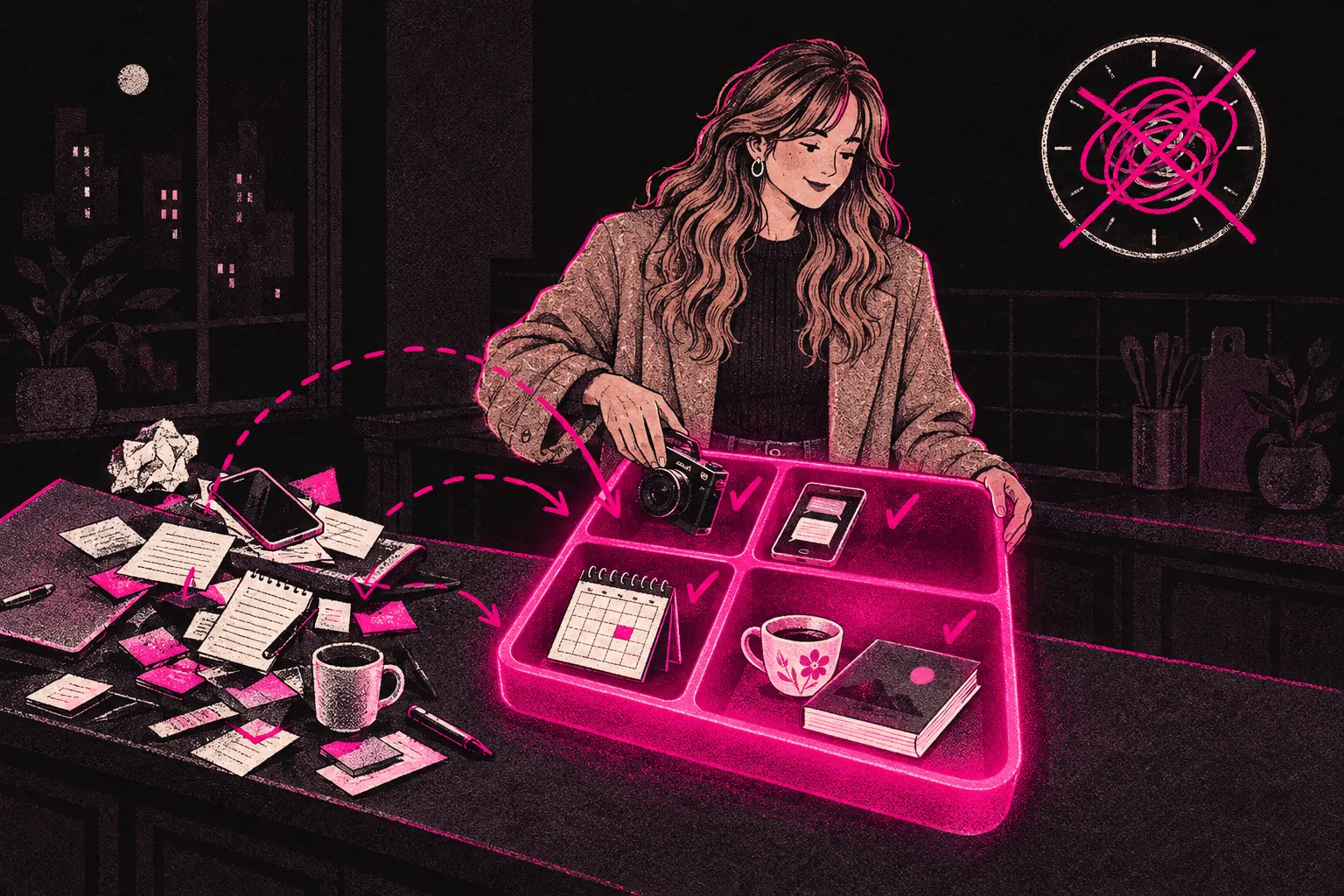
To stop working 16 hour days on OnlyFans, give every kind of work a fixed slot in your day, shoot in batches, and schedule everything that doesn’t need you live. If you’ve done all that and you’re still working all hours, the workload has to shrink, which means charging more, doing less or getting help.
If you’re on your page from waking up to going to bed and still feel behind, you’re not lazy. You’ve probably slipped into working reactively: replying the moment a message lands, filming when you feel like it, promoting when you remember and doing admin when it piles up. Nobody can keep that up for long.
Why creators end up working all day
It helps to know why the hours run away from you before you try to fix it.
Your page never closes
Fans message at midnight, at 6am and in your lunch break. If you answer every notification as it arrives, you’re on call 24 hours a day.
Everything feels urgent
A new subscriber joins, someone wants a custom, a scheduled post didn’t go up. It all lands at once and all of it seems to need you now.
The work jumps around
In one afternoon you might shoot, edit photos, reply to 40 messages, write captions and post on three platforms. Switching between that many jobs is tiring, and each one takes longer than it would on its own.
Resting feels like losing money
When your income depends on what you put out, a night off feels expensive. So even when you stop, part of you is still working.
How to structure your day
Work in blocks. Give each type of task its own window, and do only that task in it. The times below are a starting point, so move them to fit your life and when your fans spend.
Morning: content and creative work
Put your best energy into your hardest work, which for most people is making content. Shoot, edit and prepare posts in a morning block with your inbox closed and your phone on do not disturb.
Once you batch your content (see below), mornings on non-shoot days free up for planning, clearing an editing backlog or a lie-in.
Midday: messaging and engagement
Open your inbox at a set time, work through it and close it again. Two sessions a day, one around midday and one in the early evening, is a sensible place to start. Set a timer if you tend to lose an hour without noticing.
Fans can wait a few hours for a reply if they know roughly when you’re around and the reply’s worth the wait. Tell them your hours (“I’m usually around at lunchtime and in the evening”) so the wait doesn’t feel like being ignored.
Afternoon: marketing and promotion
Use this block to post on social media, talk to potential subscribers and work on whichever channels bring you traffic. When the block ends, stop, even if you haven’t finished everything on the list.
Evening: admin and wrap-up
Check your earnings, look at what sold, plan tomorrow and clear any admin. Then stop. Pick a finish time and stick to it as if someone else had set it.
Batching content creation
Batching is one of the biggest time savers you’ve got. You shoot once or twice a week (or once or twice a month, once you’re used to it) and make enough for the days in between.
Why it works:
- Less setup. Getting ready, setting up lights and choosing a spot takes time. Do it once and shoot several sets, instead of doing it every day.
- Better flow. Once you’re in the swing of a shoot, ideas come faster. One two-hour session can give you more usable content than five 30-minute sessions spread across the week.
- Fewer switches. On shoot days you’re a creator. On other days you’re running a business. Swapping between the two all day is a big part of what makes a day feel 16 hours long.
- You can schedule. With content ready to go, your page keeps posting on days you don’t work at all.
To start, pick one or two shoot days a week. Plan each shoot the day before: outfits, sets, a shot list and the captions you’ll need. Aim to make enough for the rest of the week. When that feels easy, try covering a fortnight, then a month.
Automating and scheduling
Not everything has to happen live. Go through a normal week and mark each task that could be queued up in advance.
- Scheduled posts. OnlyFans lets you schedule posts. Load a week of them in one sitting and let them go out on their own.
- Saved replies. If you keep writing the same welcome message or answering the same questions, keep versions you can adapt. Tweak each one so it still sounds like you.
- Social media scheduling. Tools like Buffer or Later let you queue promo posts across platforms. Plan your social posts in the same session as your OnlyFans content and schedule the lot.
- A simple tracker. A spreadsheet with three columns (made, posted, coming up) stops you hunting through your camera roll for what’s left.
Delegating what drains you
Better systems only go so far. At some point there’s simply more work than one person should do, and the answer is help.
Start with the tasks that take the most hours but don’t need you personally. For many creators that’s messaging. Fans matter, and keeping them talking helps them stay subscribed, but that doesn’t mean you have to type every reply for hours a day. A trained team can run your inbox in your voice and give you whole afternoons back. Before you hand it over, ask how they’ll learn the way you talk and what limits they’ll stick to.
Social media, scheduling and planning can be handed over too. If you want to know how that works day to day, see how our process is structured.
Protecting your time off
People skip this part, but it’s what lets you keep going for years without burning out. Rest is part of the job, even on days when the list isn’t done.
- Set a daily stop time. Whether it’s 6pm or 9pm, pick one and close the laptop.
- Take at least one full day off a week. If your content is batched and scheduled, your page keeps posting without you.
- Turn off notifications outside your hours. A tip at 11pm will still be there in the morning.
- Keep work out of your bedroom. If you can, shoot and chat somewhere else. When one room is your studio, your office and your inbox, it’s very hard to switch off in it.
When the hours are the real problem
Sometimes it isn’t about how you organise your time. You’re doing too much, and moving it around won’t help. If you’ve blocked your days, batched your content and scheduled what you can, and you’re still working far too many hours, the workload itself has to change.
You’ve got three options. Raise your prices, so fewer sales bring in the same money. Cut back what you make, dropping the formats that take the longest for the least return. Or bring in help, so the page can grow without taking more of your time.
To see which applies, open the earnings tracker and compare where your money comes from with where your hours go. You may find a lot of effort going into something that earns very little.
Building a routine that lasts
Aim for a schedule you could still keep in six months’ time, even if it isn’t perfect.
Pick one change for this week. Move your messages into two set sessions a day. Or batch one week of content. Or set a finish time for tonight and stick to it. When that one feels normal, add the next.