Blog · Part of the Growth and Marketing guide
OnlyFans Trial Links: Using Free Trials Without Losing Money
How OnlyFans free trial links work, when they're worth using, how long to make them, and how to turn trial users into paying fans before the trial ends.
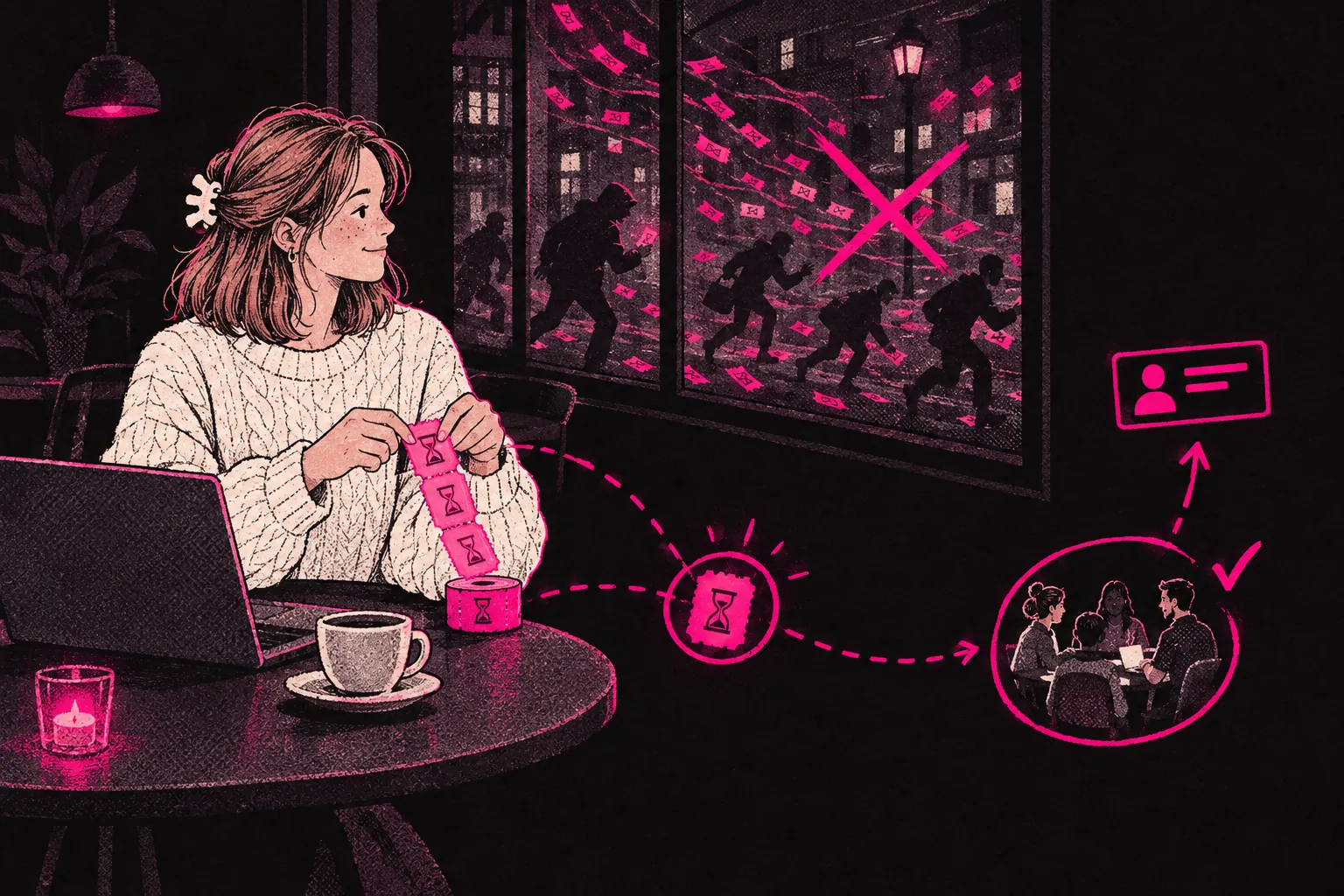
OnlyFans trial links work when each link is short, capped, aimed at one audience and backed by a plan to turn trial users into paying fans. Put an open-ended link out anywhere and you’ll mostly attract freeloaders who screenshot what they can, never spend a penny and vanish when the trial ends.
When a trial goes wrong, it’s usually because nobody planned what happens after someone claims it. This page covers how trial links work, where they go wrong, when they’re worth using, and how to get trial users to pay.
What trial links are and how they work
OnlyFans lets you create trial links that give someone free access to your page for a set number of days. You choose how long the trial lasts (one to thirty days) and how many times the link can be claimed (a set number, or unlimited).
Someone who uses the link gets full subscriber access without paying. When the trial ends, they’re asked to subscribe at your regular price. If they have rebill turned on, they move onto the paid subscription automatically. If they don’t, they lose access.
You can create several trial links with different lengths and claim limits, so each campaign can have its own link and you never need one link for everything.
The real risks of trial links
Before getting into how to use them, it’s worth being clear about what goes wrong.
Freeloaders who never convert
This is the most common problem. People claim the trial, go through your content and leave without paying. If your link is floating around in public with unlimited claims, you can end up with hundreds of trial subscribers and almost nobody paying.
Devaluing your page
If people know they can always find a free trial link, why would they pay? A link that’s too easy to find, or a trial that’s too long, teaches your audience that your content comes free. Once fans believe that, it’s very hard to change their minds.
Content leaking
Trial subscribers see everything a paying subscriber sees while the trial lasts. Some will screenshot or screen record all of it. A shorter trial, and keeping your most valuable content behind PPV, limits the damage.
Inflated metrics, deflated revenue
A rush of trial subscribers makes your page look busy. If they don’t convert, though, your revenue per subscriber falls and your stats get harder to read, because you can’t tell at a glance how many of those fans will ever pay.
When trial links make strategic sense
Despite the risks, there are times when a trial helps.
Launching a new page
With no subscribers and nothing to show that people like your page, asking strangers to pay for it is a hard sell. A limited trial during your launch, with a short duration and a cap on claims, lets early fans see what you offer. Post strong content in those first days and it can get your subscriber count moving faster than waiting for people to find you.
If you’re just starting, our guide on getting more subscribers covers other launch ideas that work well alongside trials.
Cross-promotion with other creators
When another creator promotes you to their fans, a trial link means those fans can try your page straight away without paying anything. They already trust the creator who recommended you, so they’re often more likely to stay than someone who found a link at random.
Specific promotional campaigns
Running a Reddit AMA or a livestream? A trial link gives that audience a direct way into your page with nothing to pay. Tie the link to that one moment, cap the claims and don’t leave it sitting on your profile afterwards.
Targeting high-value platforms
Some channels bring in fans who spend and some don’t. A link shared with an audience that matches your page (a relevant subreddit, a Discord community, a niche forum) is likely to do far better than one sitting in your Twitter bio, where anyone can grab it.
Maximising conversion from trial to paid
This is where trials usually fall down. A creator makes the link, shares it and then treats trial subscribers exactly like everyone else. The trial period is your chance to show someone why your page is worth paying for, so use every day of it.
The welcome sequence
The moment someone joins through a trial link, send them a welcome message. Skip the generic “thanks for subscribing”. Say they’re on a trial, tell them what you post and how often, and tell them what they’ll see before it ends.
Show your best work immediately
Don’t save your best content for later. During the trial, a subscriber should see the best your page has. Pin your strongest posts. Send them a PPV message, even at a low price, so they see what your paid content is like. Post something good enough that they want to keep seeing more.
Demonstrate clear value
By the last day, a trial subscriber should know exactly what they’d lose by leaving. That means posting regularly through the trial, replying to their messages and keeping the page feeling active.
Create a conversion moment
Don’t let the trial end in silence. A day or two before it finishes, message them. Remind them what they’ve enjoyed, tell them what’s coming next and let them know the trial’s about to end. That’s just keeping them informed, and you can pair it with a first-month discount to make the decision easier.
Enable rebill prompts
Subscribers with rebill turned on move to paid automatically when the trial ends. Encourage it lightly during the trial, because every fan who turns it on carries on as a paying subscriber without having to decide again.
Limiting trial duration
A short trial usually works harder than a long one. Longer trials give people time to see everything and lose interest. A 24 to 72 hour trial puts a clock on it, so subscribers dig in while they have access. Test different lengths and compare the results.
1 to 3 days
The most urgency, which suits big promotional moments with lots of traffic. People either get stuck in straight away or forget about it.
7 days
A good middle ground. Long enough to see how often you post and what your content is like, short enough that it still feels temporary.
14 to 30 days
Only worth it in specific cases, like a collaboration where the other creator’s fans need longer to warm up to you. Otherwise it’s usually too long, because people get enough from the trial that they don’t feel the need to pay.
For most pages, three to seven days is the place to start.
Tracking trial conversion rates
You can’t improve what you don’t measure. Track these numbers for every link:
- How many people claim it
- How many of those move to paid when the trial ends
- How much those paying subscribers spend in their first three months
- Which channels or campaigns bring in the trial users who convert best
There’s no official benchmark for trial conversion, so compare your links against each other. If one converts around 2% of the people who claim it, it isn’t working. The audience is wrong, the trial is too long or what they saw during the trial didn’t give them a reason to stay. Links that convert several times better than your average tell you where to put more effort.
Use our pricing calculator to work out what conversion rate you’d need for trials to pay off at your subscription price.
The difference between a trial strategy and giving away access
The difference matters. A trial strategy has all five of these:
- Limited distribution: each link goes to a specific audience through a specific channel, never everywhere at once.
- Limited claims: every link has a cap, so you control how many people get in.
- Short duration: a few days, not weeks.
- A conversion plan: a welcome message, your best content up front, conversation during the trial and a clear nudge before it ends.
- Measurement: you track what converts and drop what doesn’t.
Giving away access looks like a 30-day link with unlimited claims in your Twitter bio, no welcome message and no tracking. Call that what it is: a free page with an expiry date.
Using trials with specific channels only
Make a separate trial link for each place you promote: one for Reddit, one for a collaboration, one for a dating app campaign. Then you can see exactly which sources bring in subscribers who convert and spend.
When a channel converts well, put more effort into it. When it only sends freeloaders, stop giving it trial links and try something else there, such as a bundle discount or a different teaser.
Combining trials with your broader strategy
Trial links are one part of how you grow, and they depend on the other parts. The trial brings people in. Your content and conversations convert them. Your retention strategy keeps them. Your PPV and messages decide how much each subscriber spends over time. If any of those parts is weak, a free trial just brings in people who leave, however many claims it gets.
Questions to answer before your next trial link
Before you make another trial link, answer three questions. Who exactly is this link for? How will I convert them during the trial? What’s the lowest conversion rate I’ll accept before I stop using it?
If you can’t answer all three, hold off. Sort out your content and your welcome sequence first. Then use trials to give the right people a look at a page that’s worth paying for.