Blog · Part of the Getting Started guide
OnlyFans Age Verification for Creators and Subscribers
How OnlyFans age verification works for creators and subscribers: the ID it accepts, how long checks take, UK Online Safety Act rules and common problems.
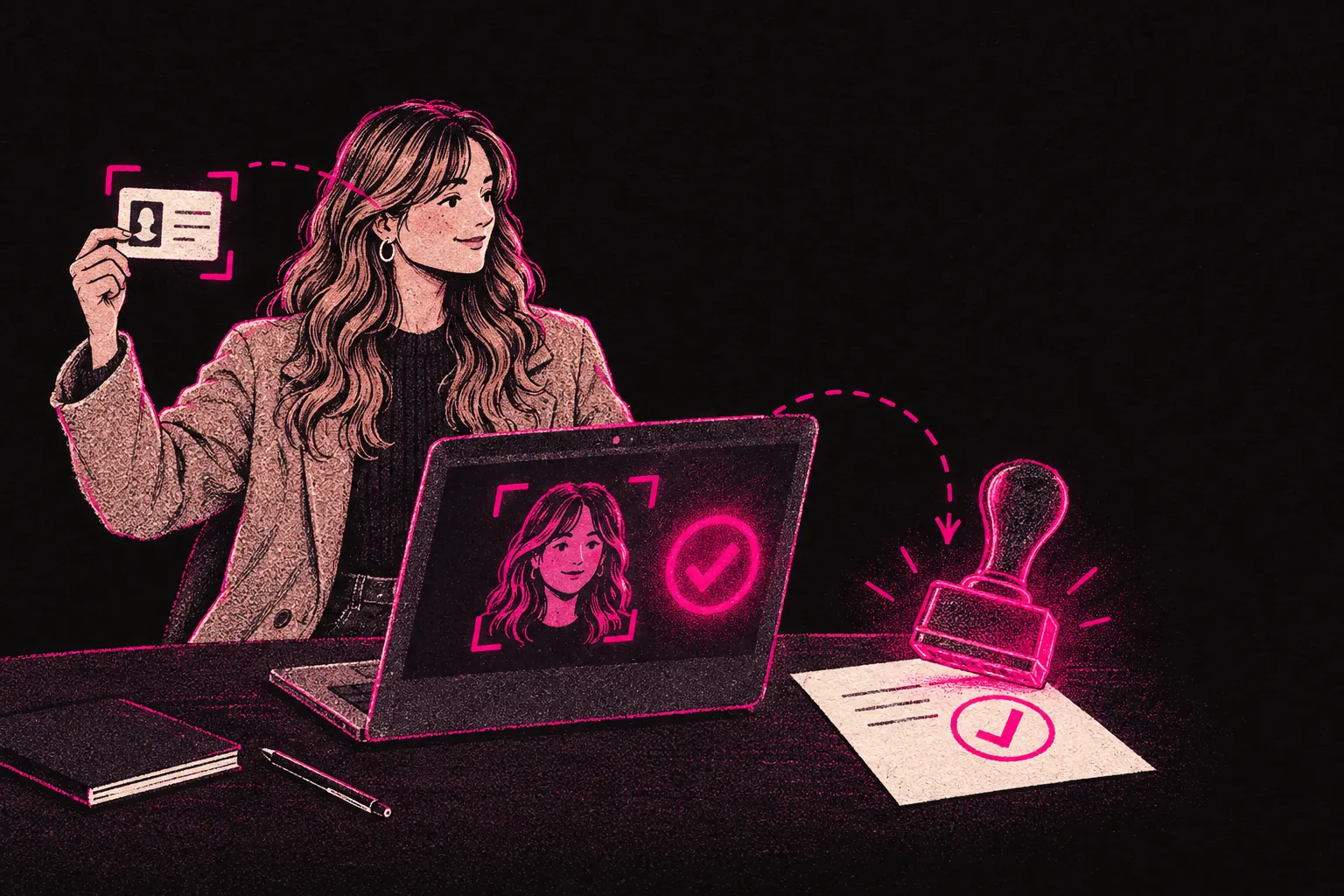
To use OnlyFans as a creator or a subscriber, you have to prove you’re 18 or over. Creators upload government photo ID and take a selfie, and UK subscribers can be asked to pass an age check before they see adult content. It isn’t optional, and there’s no way around it.
Why age verification exists
OnlyFans hosts adult content. UK law, US regulations and OnlyFans’ own policy all require everyone involved, creators and subscribers alike, to be a legal adult. It matters well beyond paperwork. The checks keep minors off the platform, stop creators from unknowingly talking to under-18s, and protect OnlyFans from serious legal consequences.
The rules have got stricter over time, especially as the UK’s Online Safety Act puts more responsibility on platforms to keep children away from harmful content. For creators, that’s a good thing. A platform that checks ages carefully is on firmer legal ground, and your business depends on that platform staying open.
For a wider look at platform safety, read our guide on whether OnlyFans is safe for creators.
What documents are accepted for creator verification
To sign up as a creator, you need government-issued photo ID. OnlyFans accepts:
- A passport
- A driving licence (full or provisional)
- A national identity card, where your country issues one
Accepted documents can vary by country, so check the list OnlyFans shows you when you sign up.
Your document must be in date, easy to read in the photo you upload, and in the same name you give during sign-up. The photo on the ID must show your face clearly.
As well as your ID, you’ll take a selfie during the verification process. It’s used to confirm you’re the person on the document, and it’s compared with your ID photo by automated facial recognition.
The verification process step by step
Creator verification has six steps from start to finish:
- Create your account. Sign up with your email address, set a password and choose your display name.
- Enter your legal details. Give your full legal name, date of birth and address. Your name and date of birth must match your ID exactly.
- Upload your ID. Take a clear photo of your government-issued ID. Make sure all four corners are in the frame and the text is readable.
- Take your selfie. Follow the prompts on screen. You’ll usually need to look straight at the camera and turn your head slightly, which shows it’s a live photo of you.
- Add your payment details. Enter your bank details so OnlyFans can pay you. This is separate from your ID check, but you need it done before you can start earning.
- Wait for review. Your documents get checked, and you’ll receive an email once your account’s approved, or if OnlyFans needs more information.
If you’re setting up your page for the first time and plan to work with a management team, our how it works page explains what happens after verification.
How long verification takes
Creator verification is often done within 24 to 72 hours, though OnlyFans doesn’t promise a fixed time. Some creators say theirs came through in under an hour.
It can take longer in a few situations:
- Blurry or unclear documents. If the system can’t read your ID or match your selfie, you’ll be asked to send them again.
- Busy periods. When lots of people sign up at once, reviews can slow down.
- Extra checks. Sometimes an account gets flagged for a manual review. That doesn’t necessarily mean anything’s wrong, but it can add a few days.
If you’ve been waiting more than a week with no reply, contact OnlyFans support directly through its help centre.
Subscriber age verification requirements
Subscribers have to verify their age too, though the process is different. Plenty of sites used to treat a payment card as enough, but that was never reliable. In the UK you can hold a debit card before you turn 18. That’s why Ofcom accepts a credit card check as a highly effective age check, but not payment methods that have no 18+ requirement.
Since 25 July 2025, the UK’s Online Safety Act has required services that show pornographic content to UK users to use highly effective age checks. In practice, UK subscribers can be asked to:
- verify their age through a third-party age verification service
- show a form of government ID
- use digital identity tools or age estimation technology
The exact method depends on where the subscriber is, and the rules are still changing. For you as a creator, it means UK subscribers who reach your page have passed an age check.
UK Online Safety Act implications
The Online Safety Act received Royal Assent in 2023. It puts heavy duties on platforms like OnlyFans to stop children from accessing pornographic content, and it affects each group differently.
For the platform. OnlyFans must use “highly effective” age verification. Asking users to tick a box saying they’re over 18 no longer counts. Ofcom, the UK regulator, has published guidance on which age checks qualify.
For creators. You aren’t personally responsible for checking your subscribers’ ages. That duty sits with the platform. It’s still worth knowing the rules exist and that OnlyFans is legally required to enforce them. Anyone who appears in your content is your responsibility, though. Each person must be a tagged, verified OnlyFans creator, or an adult whose ID and written consent (a release form) you hold.
For subscribers. UK subscribers now face stricter checks than they did before July 2025. That may put off some casual sign-ups.
Knowing the rules is part of running a creator business that lasts. For more on what OnlyFans expects from you, read our breakdown of the OnlyFans terms of service.
Privacy and how verification data is handled
A lot of creators worry about what happens to their documents once they’re verified. These are the main points:
- Your ID documents aren’t visible to other users, subscribers or anyone browsing your profile. OnlyFans’ privacy policy explains how it stores them.
- Only the people and services involved in checking your identity should be able to see them.
- OnlyFans is covered by GDPR. It needs a lawful reason to process your data, can only keep it as long as it’s needed, and has to respect your rights over your information.
- The legal name on your ID isn’t shown on your page. Your page shows whatever name you choose.
- OnlyFans uses third-party verification companies to process ID checks. Identity checks are their specialism, and they have their own data protection duties.
Your subscribers can’t see your real name, your address or anything from your verification documents. That keeps your legal identity apart from your creator identity on the platform. It doesn’t make you anonymous everywhere else, so things like your backgrounds, your voice and your social accounts still need care.
Common issues and troubleshooting
These are the problems creators run into most often during verification, and how to fix each one.
”Document not accepted”
Check your ID is in date and government-issued, and photograph it clearly. Avoid glare, shadows and cropping. Put the document on a dark, flat surface for the best result.
”Selfie does not match”
Take off glasses, hats or heavy makeup that changes how you look. Find a well-lit spot. If your ID photo is several years old and you look quite different now, try a more recent document if you have one.
”Verification stuck in review”
If it’s been more than 72 hours, check your email, including your spam folder, for a message from OnlyFans asking for more information. If there’s nothing there, contact support.
”Underage rejection”
If the system wrongly flags you as under 18, the cause is often the photo of your document. Send it again with a clearer photo where your date of birth is fully readable.
”Address mismatch”
If your ID shows an address, enter the same one. If you’ve moved and your ID still shows your old address, update your ID or contact OnlyFans support before you submit. Don’t guess.
Setting yourself up after verification
Once you’re verified, you can start work on the page itself. Set your subscription price (our pricing calculator gives you a starting point), plan your content schedule and start building an audience.
If you’re thinking about working with an agency after verification, understand how the arrangement works before you sign anything. At TalentGrow, the team works in your account through Infloww, a creator CRM, where it can see stats, make posts and send messages. It has no access to your bank details, payout information, email or social media accounts. The account stays in your name, payouts go to your own bank, and you can end our access at any time by changing your password. We invoice after you’re paid, and it’s month to month with no lock-in and no exit fees. Either side gives 14 days’ notice. Read more on our how it works page, or apply directly if you’re ready.
For planning your income, our free earnings calculator and tip menu builder let you test what’s realistic for your situation.
What to have ready before you verify
Verification is simple once you know what to expect. Have an in-date government ID ready, take clear photos and allow a few days for the check. If something goes wrong, a clearer photo or a small correction to your details usually sorts it out.
The checks protect everyone on the platform, creators included. Fewer fake accounts and fewer underage users should mean fewer chargebacks, and a steadier business for the people doing the work.