Blog · Part of the Getting Started guide
OnlyFans Terms of Service: Fees, Content Rules and Bans
What changed in the OnlyFans terms on 1 November 2026, plus the content licence, the 20% fee, banned content, suspensions and chargebacks in plain English.
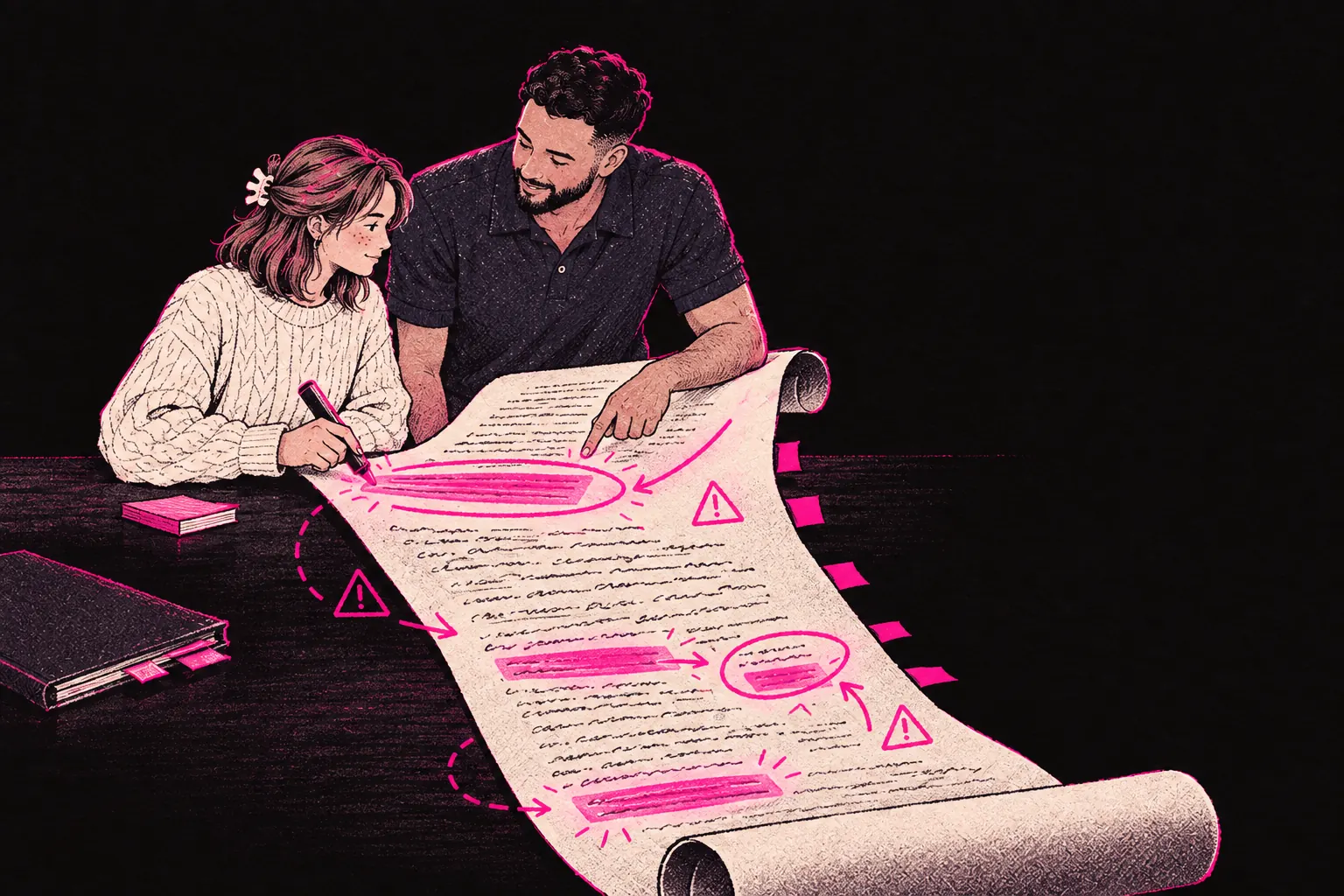
The OnlyFans Terms of Service decide how you get paid, what you can post, what happens when something goes wrong and what rights you give OnlyFans over your work. You don’t need to memorise them, but you should know the sections that affect your money and your account.
Most people tick “I agree” and never open them again. That’s understandable, as they’re long and written for lawyers. This page goes through the parts that matter in plain English. It’s a guide, not legal advice, and OnlyFans changes its terms, so check anything important against the current version on the site.
OnlyFans updated its terms on 1 November 2026. If you’re here because of the update email, the changes are listed below.
The content licence you grant OnlyFans
When you upload content, you give OnlyFans a licence to use it: a non-exclusive, royalty-free, worldwide licence covering things like hosting, storing, reproducing, distributing and displaying it.
In practice, that’s what lets OnlyFans serve your content to paying subscribers. The licence also covers some use connected to running and promoting the platform. The exact wording sets the limits, so read that section yourself if you want to know how far it goes.
The licence is non-exclusive, which matters. You still own your content. You can post it elsewhere, sell it yourself or take it off OnlyFans. Check what the terms say happens to the licence when you delete a post or close your account, and bear in mind that copies can sit in backups for a while after you delete something.
If you’re thinking about protecting your work, our guide on OnlyFans copyright protection covers your rights in more detail.
Platform fees and payment terms
OnlyFans keeps 20% of what you earn, so you receive 80%. That applies to subscriptions, tips, pay-per-view messages and every other sale on the platform. There’s no tiered rate for bigger earners, and it isn’t something you can negotiate.
Payouts run on OnlyFans’ schedule. You can withdraw once your balance passes the minimum, and how long it takes depends on your payment method. Minimums and processing times change, so check the payout page in your dashboard. The terms also let OnlyFans hold funds for a period to cover possible chargebacks and refunds.
The terms allow OnlyFans to change its fees with notice. The rate has been 20% for years, but the right to change it is in the contract. You can model how fees affect your income with our pricing calculator.
What content is and is not allowed
The Terms of Service and the Acceptable Use Policy set out what you can post. Breaking them can get content removed or your account closed, sometimes with no warning.
Content you can’t post
- Anything involving minors, including role-play or depictions that suggest someone is under 18
- Content that shows, or looks like, non-consensual activity
- Content involving animals
- Content promoting violence, self-harm or illegal activity
- Copyrighted material you don’t own or have permission to use
- Content advertising escort services or solicitation
Content that’s allowed, with rules
- Explicit adult content, which is what most people use the platform for
- Nudity and sexual content between consenting adults
- Fetish content, though the Acceptable Use Policy bans some specific acts, so check it for yours
- Non-adult content such as fitness, cooking, music or education
If anyone else appears in your content, they must be a tagged, verified OnlyFans creator, or an adult aged 18 or over whose ID and written consent (a release form) you hold.
OnlyFans requires every creator to verify their age and identity before posting. Our guide on OnlyFans age verification explains what documents you need and how the process works.
OnlyFans also decides how its own rules apply, and it can remove content that’s been reported even when you think it complies. Staying well inside the guidelines is safer than testing where the edge is.
Account termination and suspension
Reasons OnlyFans can suspend or close an account include:
- Breaking the Terms of Service or Acceptable Use Policy
- Too many chargebacks
- Failing identity or age verification
- Fraud
- Repeated reports from users
The terms give OnlyFans a lot of discretion here, and it doesn’t have to warn you first. Since the November 2026 update, OnlyFans only has to think you may have broken the terms to act.
If OnlyFans closes your account for breaking its terms, it can withhold earnings you haven’t withdrawn yet. If you plan to close your account yourself, check how and when you can withdraw your remaining balance before you do it.
Getting an account back isn’t guaranteed. If you think a decision’s wrong, contact support and look up OnlyFans’ complaints policy for how to challenge it. Keep copies of your content and records of your messages, because they’ll make your case stronger if it ever comes to that.
Chargebacks and how the ToS handles them
The short version: you carry the financial risk. When a subscriber disputes a charge with their bank and the chargeback goes through, OnlyFans takes your share of that payment back out of your earnings balance. If there isn’t enough in it, your balance can end up negative.
Other payment platforms do the same. Card networks make the merchant absorb reversed charges, and here the merchant is OnlyFans, which passes the cost on to you.
A high chargeback rate can also lead to an account review or suspension, so keep an eye on yours.
For more on chargebacks and how to cut them down, read our full guide on how to deal with OnlyFans chargebacks.
Your rights regarding content removal and data
You keep ownership of everything you upload. The licence doesn’t transfer it, and you can delete single posts or your whole account whenever you like.
Deleting content takes it off your page. Check OnlyFans’ privacy policy for what it keeps afterwards and for how long.
Under UK GDPR and the Data Protection Act 2018, you also have data rights:
- The right to see the personal data OnlyFans holds about you
- The right to have inaccurate data corrected
- The right to ask for your personal data to be deleted (unless the law requires it to be kept)
- The right to data portability
OnlyFans normally has one month to respond to a request like this. That’s a legal duty, whatever the terms say.
What changed on 1 November 2026
In October 2026 OnlyFans emailed creators to say its Terms of Service and Privacy Policy were changing, with the new versions taking effect on 1 November 2026. You’ll be asked to accept them when you log in, and you need to accept them to keep using the site.
We compared the new Terms of Use, Privacy Policy and Contract between Fan and Creator (all marked October 2026) with the versions they replaced. The Acceptable Use Policy didn’t change in this update. Section numbers are from the Terms of Use unless we say otherwise.
Suspensions and held earnings are easier to trigger
- OnlyFans can now suspend your account or hold your earnings if it thinks you have or may have broken the terms (section 14.b). The old wording was limited to serious or repeated breaches.
- Two new reasons were added: causing OnlyFans a loss or harm to its reputation, and not giving it information it asks for promptly. If OnlyFans asks you for documents or details, reply quickly.
- The general line saying OnlyFans would try to warn you first has gone. You still get a statement of reasons after it acts.
Disputes have to be in writing
You still have six months to challenge a decision, but the challenge now has to be in writing (section 14.d). Keep copies of everything you send and receive.
Less notice of other changes
OnlyFans now only promises reasonable efforts to tell you about material changes (section 4). Smaller changes can happen without an email, so reread the terms now and then.
AI
- AI-generated content must clearly feature you, the verified creator, and must still be labelled with #ai or a similar tag (section 19.b).
- Nobody may scrape OnlyFans with data-collection tools or use its content to train AI (section 8.g). That rule protects your content.
- OnlyFans itself may run AI tools over content, including direct messages (section 12.e). The Privacy Policy says some platform tools only switch on with your consent.
Payouts
- The amount you’re paid now includes currency conversion fees (section 10.e). If your bank account isn’t in dollars, the amount that lands can be a little lower than the balance you saw.
- OnlyFans checks your bank details against your ID, and it can pay your earnings to a third party that is legally entitled to them (sections 10.a and 14.e).
Fans’ payments
OnlyFans can retry a failed card more than once, the terms now say subscriptions are non-refundable, and fans can cancel by email (section 9).
Paid promotions count as adverts
Affiliate links and paid sponsorships in your posts count as advertising. The caption needs #ad, the brand and who paid for it (section 18).
Privacy
The Privacy Policy now lists video calls and fan engagement statistics among the data OnlyFans handles, and says some platform tools and features only work if you agree to them.
Agencies and chat teams
Nothing new. The terms still allow someone to help you manage or operate your account, and you stay legally responsible for what they do in it (sections 8.b and 13.a). The fan contract still says fans accept that third parties may help creators. In practice, anything an agency does in your account counts as you doing it, which is why the questions to ask an agency matter.
What to check when the next update lands
OnlyFans updates its terms from time to time and usually emails creators when it does. When an update lands, these are the areas worth checking first.
AI content
Check the current rules on AI-generated and AI-assisted content: whether it needs labelling, and whose likeness can appear in it. You need the rights to anything you post, however it was made.
Verification
Check whether you’ll be asked to verify again, and when.
Payment holds
Check how long funds can be held to cover chargebacks, and whether new accounts are treated differently.
Promotional use
Check what the terms say about where OnlyFans can use your content in its own marketing.
Read every update email, and note when each change takes effect. Carrying on using the site after a change usually counts as accepting it.
How to stay compliant and avoid account issues
Keep your verification in order. If OnlyFans asks you to verify again or update your ID, do it promptly, as verification problems can lead to restrictions.
If you’re unsure whether something’s allowed, don’t post it. One post isn’t worth risking a flag on your account.
Keep records. Save copies of your content, keep records of conversations with subscribers and write down any problems as they happen. If you ever need to challenge a decision, evidence helps.
Watch your chargeback rate. If disputes start rising, find out why. Make sure fans know exactly what they’re paying for before they pay, and deal with complaints before they turn into a call to the bank.
Read the update emails as they arrive, not months later.
Use tools for the admin. Tracking your earnings, pricing sensibly and knowing your tax position all help you run the account without nasty surprises. Our creator tools cover the practical side, from earnings tracking to tax guidance.
Working with a management agency
If the admin side of an OnlyFans account feels like too much, an agency can take a lot of the day-to-day work off you. At TalentGrow, the team runs chat 24/7, makes posts and handles promotion, and you get a dedicated strategist.
The team works in your account through Infloww, a creator CRM, where it can see your stats, make posts and send messages. It has no access to your bank details, payout information, email or social media accounts. The account stays in your name, payouts go to your bank, and you keep full control and can end our access at any time by changing your password. We invoice after you’ve been paid. It’s month-to-month with no lock-in and no exit fees, and you give 14 days’ notice if you want to leave.
You can learn more about how it works or apply directly if you want help running your page.
The sections to reread when something changes
If you only reread part of the terms, make it the content licence, the prohibited content list, the chargeback rules and anything in the latest update email. Those are the parts that can cost you money or your account.