Blog · Part of the Getting Started guide
Organising Your OnlyFans Content Vault: A System That Scales
How to organise your OnlyFans content vault with folder structures, naming conventions, and tracking systems that scale as your page grows.
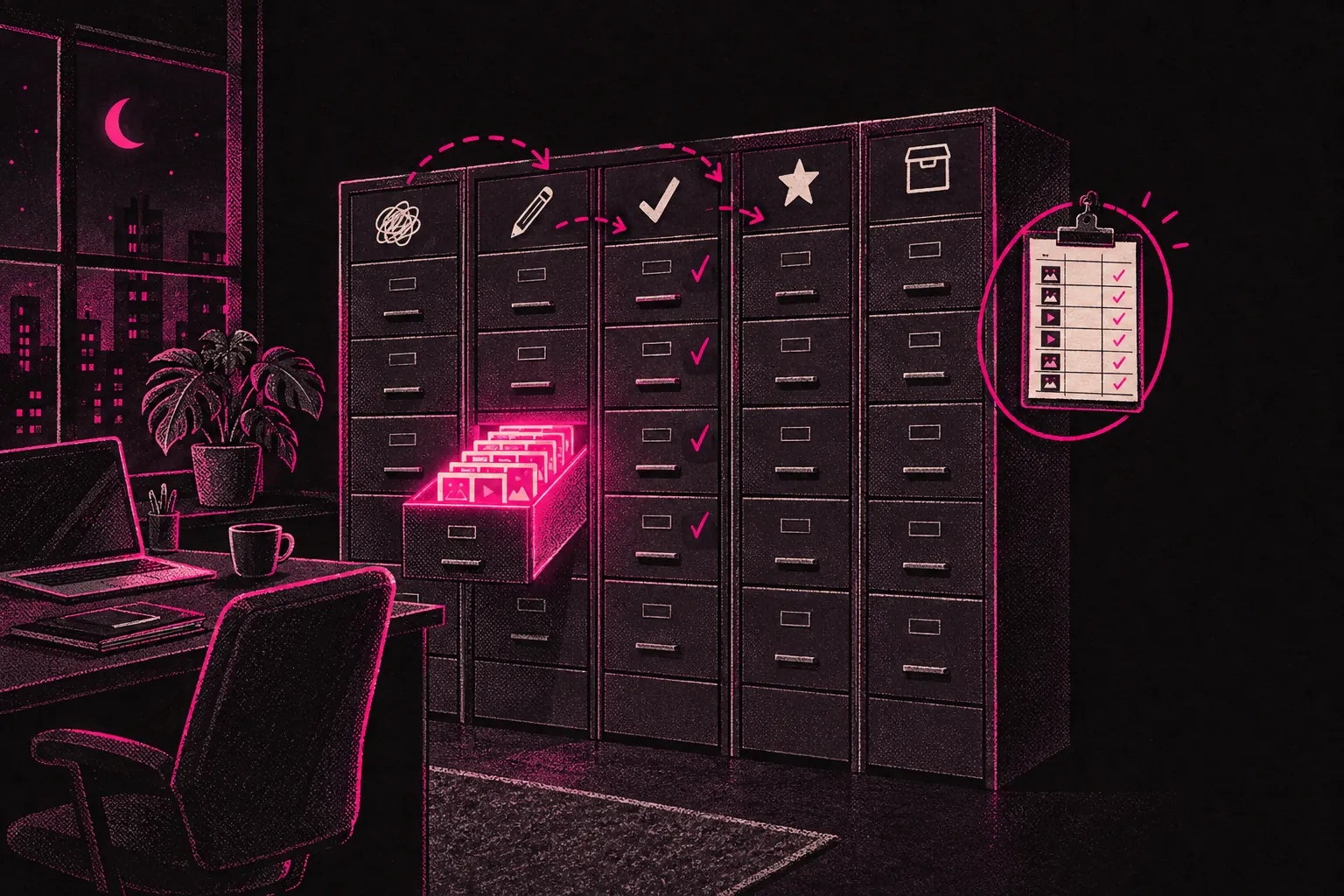
To organise your OnlyFans content vault, split files into folders by status (raw, edited, posted, PPV, free, archived), name every file with the date, set name and number, and log everything you post in one spreadsheet. Set that up now and it’ll still work when you’ve got thousands of files.
A lot of creators start out shooting content and uploading it the same day. That’s fine with thirty photos and a handful of videos. It falls apart when you’ve got eighteen months of content, several price points and subscribers asking for something you know you shot but can’t find.
Your vault is one of the most valuable things your OnlyFans business owns, so it deserves a proper system.
Why organisation matters more than you think
Your vault is where repeat sales come from. Old content can be repackaged, resold as PPV, put into a bundle for a promotion, or used to fill gaps when you can’t shoot. But that only works if you can find what you need.
Without a system, you lose hours scrolling through your camera roll, re-editing things you’ve already edited or, worse, posting content to the wrong tier by mistake. A clear structure saves time, protects your pricing, and makes it possible to hand work over if you ever take on help or work with a management agency.
Building your folder structure
The logic matters more than the tool. Whether you use your computer’s own folders, Google Drive, Dropbox or a NAS, the same principles apply.
Top-level categories
Start with broad categories that match how you use content:
- Raw/Unedited: straight from the camera or phone, untouched
- Edited/Ready: colour corrected, cropped, watermarked and ready to post
- Posted: already published on your page
- PPV/Locked: premium content for pay-per-view messages
- Free Content: teasers and other promotional material
- Archived: retired content you’re keeping but no longer using
Sub-folders by theme or set
Inside each top-level folder, make a sub-folder for each shoot or theme. This is where a naming convention really earns its keep.
A structure might look like this:
Edited/Ready/
  2026-05-lingerie-red-set/
  2026-05-gym-workout/
  2026-06-beach-golden-hour/
  2026-06-collab-[name]/
The pattern is the year and month, then a short description. Everything stays in date order and easy to search, and you don’t have to open a folder to see what’s inside.
Separating tiers clearly
If you run a free page and a paid page, or sell at different price levels, make that split obvious at folder level. Don’t rely on memory to know which photos were “good enough” for PPV and which were feed posts. Build it into the structure.
Some creators add a prefix, like PPV-2026-05-lingerie-red-set or FREE-2026-05-gym-teaser. Others keep completely separate branches. Either works, as long as you stick to one.
Naming conventions that actually help
“IMG_4392.jpg” tells you nothing. “2026-05-12_lingerie-red_03_edited.jpg” tells you everything.
A good file name includes:
- The date (YYYY-MM-DD sorts correctly everywhere)
- The theme or set name (short, lowercase, with hyphens instead of spaces)
- A sequence number (01, 02, 03 within a set)
- A status (raw, edited, watermarked, posted)
Then you can search your whole drive for “lingerie” and find every lingerie set. You can sort by date. And you can see straight away whether something’s been watermarked or is still raw.
Tracking what has been posted
This is where most systems fall down. You shoot, edit and post, and three months later you’ve no idea whether a particular set has already gone out.
The spreadsheet method
A simple spreadsheet is the most reliable way to track this. Set up columns for:
- File name or set name
- Date created
- Date posted (if it has been)
- Platform or tier (feed, PPV, stories, free page)
- Price (if it’s PPV)
- Performance notes (likes and comments, revenue, how many fans bought it)
- Whether it can be reposted (yes or no, and the earliest date)
That’s your content ledger. Log everything the moment it goes live, and check the ledger whenever you plan content.
Using Notion or similar tools
If spreadsheets feel too rigid, Notion is more visual. You can build a database with a gallery view that shows thumbnails, filter by status (unposted, scheduled, posted, retired), and tag content by theme so it’s easy to search.
The features worth setting up in Notion:
- A “Status” property with options like Draft, Ready, Scheduled, Posted and Retired
- A “Content Type” property (photo set, video, clip, behind-the-scenes)
- A “Tier” property (free feed, paid feed, PPV, DM exclusive)
- A date property for when it was posted
- A relation that links to your content calendar
Whichever tool you pick, you need one place that tells you what exists, where it’s stored and what’s been done with it.
Seasonal content planning
Some themes suit certain times of year, and planning ahead means you’re never scrambling.
Build a seasonal calendar
Map out the year with themes your audience will expect:
- January: New Year, fresh starts, fitness content
- February: Valentine’s Day, couples content, romantic themes
- Spring: outdoor shoots, lighter clothing, travel content
- Summer: beach, holidays, swimwear, golden hour
- Autumn: cosy looks, back to routine
- October: Halloween and costume content
- November and December: Christmas, gift themes and end-of-year specials
Shooting seasonal content early means you’re never posting a Halloween set you shot at midnight on October 30th. Aim to shoot it at least two to four weeks ahead.
Batch shooting with your vault in mind
When you plan a shoot day, think about what it adds to your vault as well as what you’ll post tomorrow. One shoot can give you:
- Feed posts for the next two weeks
- A PPV set to send next month
- Teaser clips for your free page
- Story content
- Content that works at any time of year
Plan like that and your vault grows on purpose, without turning into a messy pile.
The vault as a business asset
The longer you run your page, the more your vault is worth, because every piece of content can earn more than once.
A photo set you post on your feed today could become a PPV bundle in three months, a promotional teaser in six, and part of a “best of” collection in a year. But only if your system lets you find it, see where it’s been used and plan where it goes next.
A management team can take a lot of this on. They can keep your content calendar, track what’s been posted and plan how to use your vault over weeks and months, not just day to day. If you’re curious how that works in practice, our page on how the management process works covers the day-to-day side.
Tools to support your system
You don’t need expensive software to keep a good vault. These cover most of what you’ll need:
- Google Drive or Dropbox for cloud storage and sharing files with anyone who helps you
- Google Sheets or Notion for tracking and planning
- Your computer’s own folders for local organisation
- A bulk rename tool (there are free ones for Mac and Windows) for fixing file names across hundreds of files at once
If you’re looking into other tools that could help your workflow, our tools section has several made for creators.
Common mistakes to avoid
Not backing up
Your vault is worthless if a hard drive dies. Cloud sync isn’t the same as a backup, because a file you delete or overwrite on one device changes everywhere.
Changing your naming
If your file names follow a different format every month, searching stops working. Pick one format and stick to it.
Not tracking reposts
Subscribers notice if you recycle content too often. Your tracking system should show the minimum gap before something can go out again.
Mixing raw and edited files
If you can’t tell at a glance whether something is ready to post or still needs editing, you’ve built a bottleneck into your workflow.
No status markers
“Is this watermarked? Has it been posted? Is this the final version?” If you ask yourself these questions a lot, your naming or folders need work.
Start simple, refine as you grow
You don’t need the perfect system on day one. Start with the basics: the same naming format every time, clear folders for each type of content, and a spreadsheet of what goes live.
As your catalogue grows, you’ll see where things get stuck. Maybe you need better tags. Maybe your PPV content needs its own sub-folders. Maybe solo content and collab content should be kept apart.
Aim for this: six months from now, when you want that set you shot last spring, you can find it in under a minute, see exactly where it was posted and decide what to do with it next.
Once you can do that, your vault is working for your business, and it’s no longer just a folder of photos.