Blog · Part of the Safety and Privacy guide
Staying Safe on OnlyFans: Privacy, Harassment and Leaks
How to lock down your OnlyFans account, keep your real identity separate, handle harassment and leaks, spot scams, and look after your money and your head.
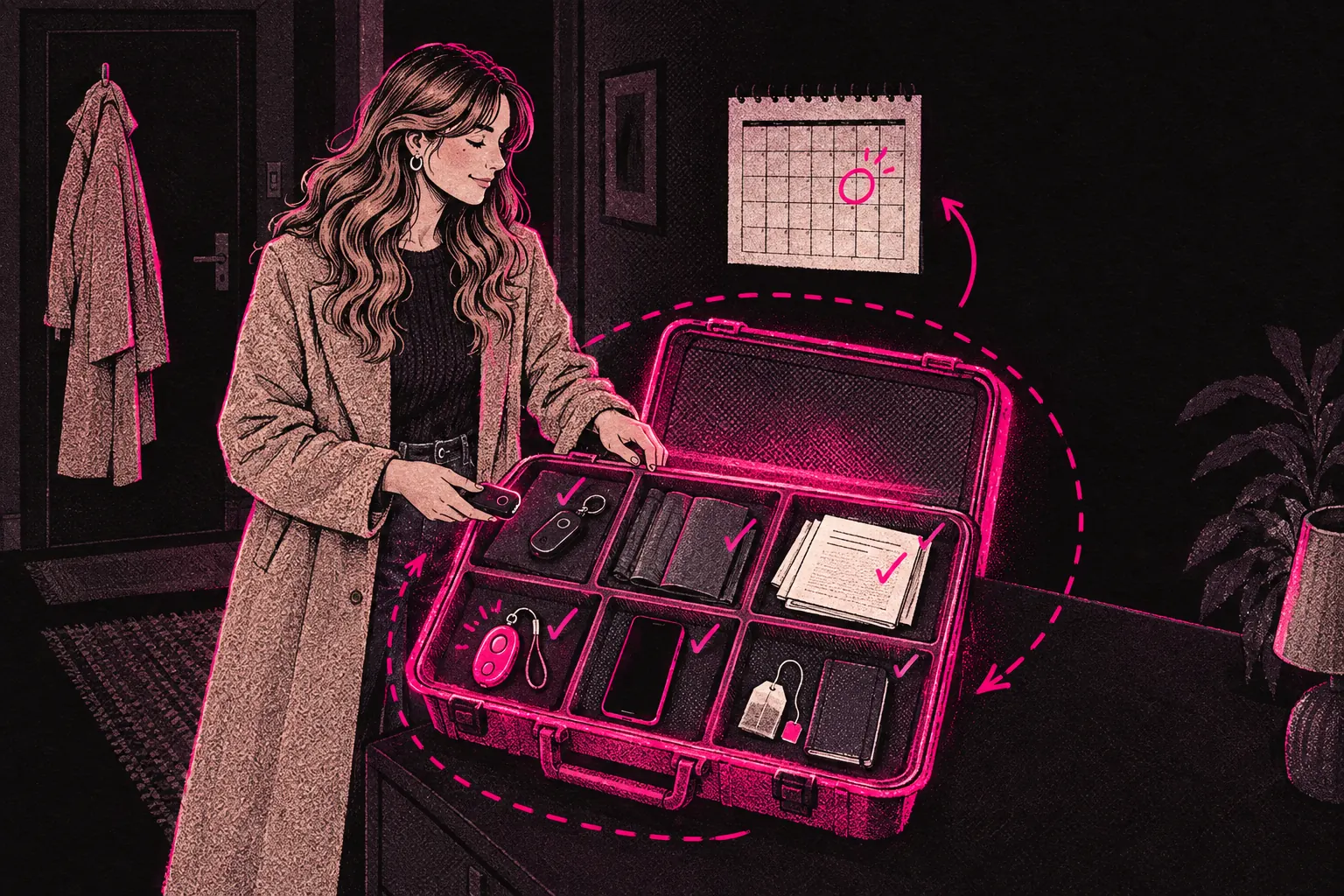
Staying safe on OnlyFans means locking down your account, keeping your real identity separate from your creator one, and having a plan for harassment, leaks, scams and money before you need it. It also means looking after your head. You don’t sort any of this once and forget it. Come back to it every few months, whether you launched last week or years ago.
Account security
Your OnlyFans account is your business. Guard it like you’d guard your bank account.
Use a strong, unique password
Don’t use your OnlyFans password anywhere else. Make it long (at least 16 characters) and random, and keep it in a password manager such as 1Password, Bitwarden or the one built into your browser. If you reuse a password and it leaks from your email or another site, someone could try it on your OnlyFans too.
Turn on two-factor authentication
Two-factor authentication (2FA) adds a second step when you log in, so a stolen password isn’t enough on its own. Use an authenticator app (Google Authenticator, Authy or the one in your password manager) instead of text messages. SIM-swapping attacks can intercept texts.
Use a separate email address
Set up an email account just for your creator work. It keeps your personal inbox apart from your work one, so if one gets hacked the damage is easier to contain. ProtonMail is a good choice if privacy matters most to you.
Check connected apps and sessions
Every so often, look at which devices and sessions are logged into your account. If anything looks unfamiliar, change your password straight away and log out every session.
Privacy protection
Keeping your real identity apart from your creator identity is one of the biggest safety steps you can take. For the full detail, read our complete anonymity guide.
The basics:
- Use a stage name. Keep your real name off your creator profile and every promo account.
- Strip metadata from photos. EXIF data can include your GPS location and details about your phone. Remove it before you upload, with an app like Metapho or ExifTool.
- Use a VPN. It hides your IP address, and with it your rough location, from the sites you visit. Switch it on whenever you use your creator accounts.
- Watch your backgrounds. Keep out anything that could narrow down where you live: post with your address on it, a local landmark, decor someone might recognise.
- Keep personal and creator socials completely separate. That means different accounts, different emails and different phone numbers. Don’t follow friends or family from your creator profiles.
Dealing with harassment and stalking
Plenty of creators get harassed at some point. It’s much easier to deal with if you’ve decided what you’ll do before it happens.
Setting boundaries
Boundaries won’t stop every harasser, but they make it quicker to act when someone crosses a line. Put them in your bio, in a pinned post or on your tip menu. When a fan crosses a line, hold it calmly, and do the same every time. Block without a second thought when you need to.
Blocking and reporting
Don’t argue with a harasser. Replying tends to keep them going. Save any evidence first, then report the account to the platform and block it. OnlyFans, Twitter, Instagram and Reddit all let you report harassment.
Document everything
If the harassment keeps going or gets worse, keep records:
- Screenshot every message, comment or threat, with the timestamp and username showing.
- Save the URLs before you block. Once blocked, some people delete what they posted.
- Keep a log of each incident, with the date and what happened.
These records help if you go to the police or a solicitor.
When to contact the police
In the UK, harassment, stalking and malicious communications are criminal offences. If someone threatens you, keeps contacting you after you’ve told them to stop, or shares your personal information, you can report it to the police. Call 101 to report something that isn’t an emergency. Call 999 if you think you’re in immediate danger.
Content protection and DMCA
Content leaks happen to a lot of creators, and they keep happening. You can’t stop every one, but you can limit the damage.
- Watermark your content. A small watermark puts off casual sharing and helps you show the content is yours.
- Check for leaks regularly. Search your creator name once a week and look at the known leak sites.
- File DMCA takedowns. When you find your content on a site that shouldn’t have it, a DMCA notice asks the site or its host to take it down. You can send one yourself or pay a service to do it.
- Think about a DMCA service. Tools like Rulta and BranditScan run the searches and send takedowns for you.
For the process step by step, read our DMCA protection guide.
Financial safety
Your creator income needs looking after like any other pay.
Separate your finances
Open a bank account just for your creator income. It makes bookkeeping easier and keeps your creator income apart from your personal money.
Understand your tax obligations
If you earn from OnlyFans in the UK, you’ll usually count as self-employed and need to register with HMRC. You’ll usually need to file a Self Assessment tax return, and you may have to make payments on account. Use the tax calculator to estimate what you’ll owe, and put a share of your earnings aside every month so the bill doesn’t catch you out.
Watch out for financial scams
Scammers go after creators a lot. Look out for these:
- “Investors” or “managers” chasing access to your account. A management team does need access to run chat and posting, so access alone isn’t the warning sign. The warning sign is an agency that wants access but won’t put in writing what it can reach, what it never touches, and how you remove its access. The account should stay in your name, payouts should go to your bank, and you should be able to end its access whenever you like.
- Fake collaboration offers. Someone asks you to pay upfront for a “promotional opportunity”. Before you send a penny, check who’s behind it and exactly what you’re paying for.
- Chargeback fraud. A fan buys content, then disputes the charge with their bank, and OnlyFans takes the money back out of your earnings. You can’t stop this completely, but be wary of a fan who spends a lot straight after subscribing.
- Phishing emails. They look like they’re from OnlyFans and ask you to click a link and log in. Don’t click. Type the OnlyFans address into your browser yourself.
Mental health and boundaries
The emotional side of this work is easy to underestimate. Your mental health needs protecting as much as your account does.
- Set working hours. Decide when you’re on and when you’re off, and tell fans so they know when to expect a reply.
- Take regular breaks. Time off the platform is part of keeping the business going. A day or two off each week can make a big difference to how you feel.
- Don’t compare yourself to other creators. Everyone starts from a different place, and your numbers say nothing about your worth.
- Talk to someone, whether that’s a friend, another creator or a therapist. Don’t carry it all on your own.
- Spot burnout early. Dreading the work, losing sleep over your stats or feeling trapped are all signs to step back and take stock. Our burnout guide has practical ways to handle it.
Physical safety
Almost all your contact with fans happens online. Keep it that way.
- Never share your home address. Don’t give it to fans, and don’t use it for anything connected to your creator work. If you need post for your creator work, use a PO Box or a mail forwarding service.
- Be careful with location. Turn off location services on your creator accounts, and don’t post in real time from somewhere recognisable.
- Meeting a fan in person is a risk. If you decide to do it, meet somewhere public, tell someone you trust where you’re going and when you’ll be back, and never go somewhere private alone.
Recognising scams targeting creators
Money scams aren’t the only kind. Watch for these tactics too:
- “I know who you are.” A scare tactic to get you to pay for their silence. Don’t reply. Block and report.
- Fake verification requests. Someone says they’re from OnlyFans support and asks for your ID or login in a DM. Treat it as a scam and contact support through the OnlyFans website yourself.
- “Collaboration” traps. Someone asks for content or login details and calls it working together. Collaborating with another creator doesn’t mean giving them access to your accounts.
What to do if you are doxxed
If someone shares your real identity without your consent:
- Document everything. Screenshot every place your information appears.
- Report it to every platform where it shows up.
- Contact the police if the doxxing comes with threats.
- Talk to a solicitor who deals with online harassment. Some offer a free first consultation, so ask.
- Lean on the people you trust. You don’t have to deal with it alone.
For more on protecting your identity, see our anonymity guide.
Getting support
A team behind you makes a lot of safety work easier. At TalentGrow, leak monitoring and DMCA takedowns are included at no extra cost, set up when you sign, or when your page launches if it’s new. The UK-based chat team covers your page 24/7 and sticks to the limits written into your contract, and posting and promotion come off your plate too. Handing that over can take some of the day-to-day pressure off.
The team works in your account through Infloww, a creator CRM, where it can see your stats, make posts and send messages. It can’t see your bank or payout details, your email or your social media accounts. The account stays in your name, payouts go to your bank, and you keep full control and can end our access at any time by changing your password. It’s month to month with no lock-in and no exit fees, and you give 14 days’ notice if you want to leave.
If that sounds right for you, see how we work.