Blog · Part of the Money and Tax guide
OnlyFans Upselling: How to Increase Average Spend Per Fan
How to raise what each OnlyFans fan spends with a tip menu, custom offers, teasers before PPV, bundles and VIP tiers, without being pushy.
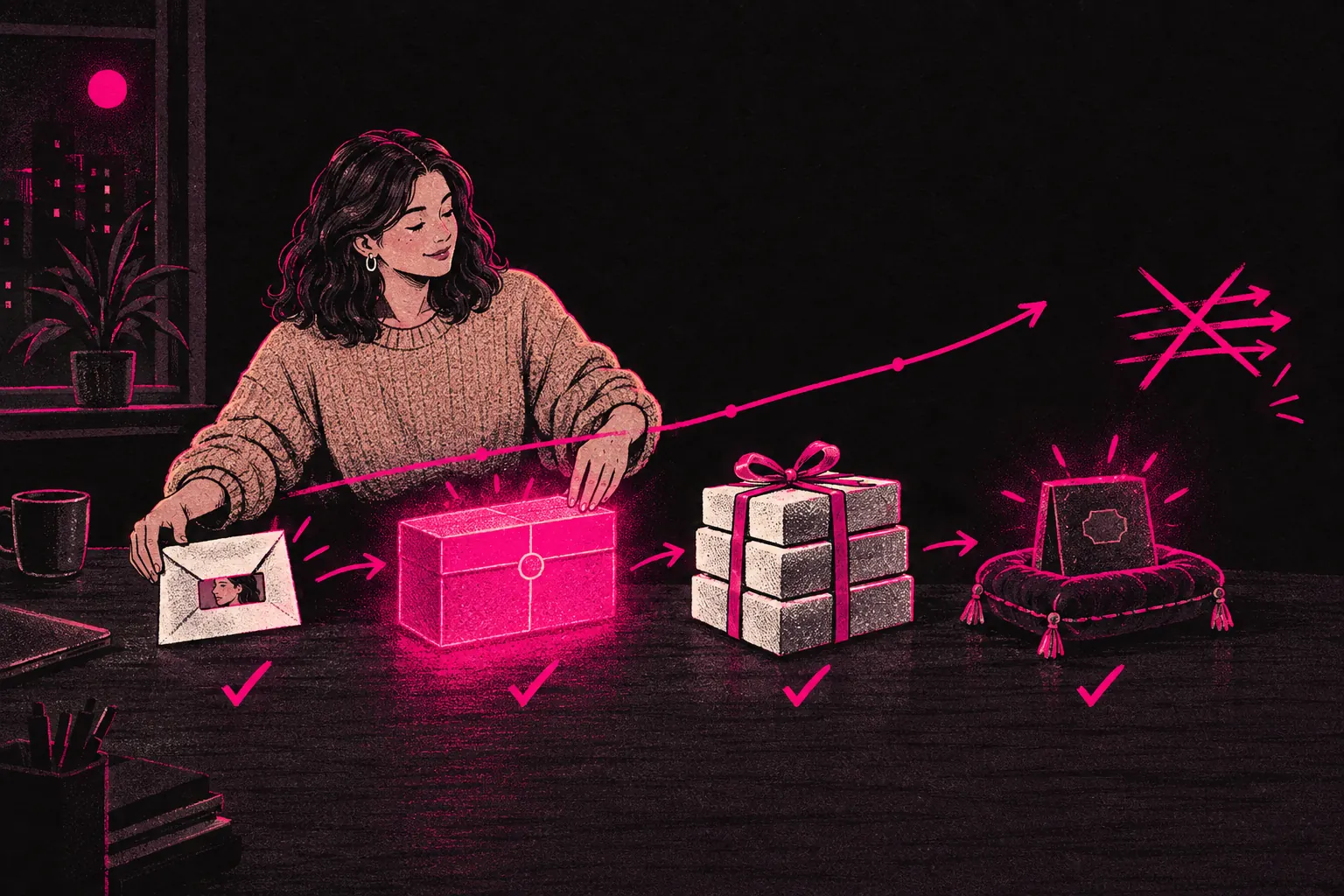
To raise what each fan spends on OnlyFans, give them clear, well-timed ways to buy more: a tip menu, custom content, PPV sent in the right order, bundles and perks for your biggest spenders. What subscribers spend after they join decides whether your page makes money or just keeps you busy. Upselling is how you raise that spend without making fans feel pressured.
What upselling means for creators
Your subscriber has already signed up for a monthly payment. Upselling means giving them ways to spend more through PPV, custom orders, tips or premium experiences. You’re offering things at different prices so fans who want more can get it, without trying to squeeze every penny out of anyone.
Done well, upselling makes fans feel they’re getting something special. Done badly, it makes them feel like a walking wallet.
The difference between upselling and being pushy
Getting this wrong costs you subscribers, so it’s worth being clear.
Upselling is offering something relevant at the right moment. A fan says they love a certain type of content, and you mention you’ve got a longer, exclusive version. It feels helpful because it matches what they just told you.
Being pushy is firing offers at someone whatever the conversation’s about. Every message has a price attached, and the fan starts to feel you only talk to them for their money.
So only make an offer when it fits the conversation, take no for an answer without a fuss, and make sure plenty of your chat has nothing to do with buying. For a detailed guide to selling in conversation, read our DM selling guide.
Tip menus
A tip menu is a clear list of what you offer and what each item costs. Fans look through it and pick what they like.
It saves you quoting prices on the spot, it shows fans a range of things to spend on, and both sides know what to expect. A good tip menu runs from small tips (rating a photo) up to premium items (custom videos, exclusive content). Not every fan will spend at the top end, but plenty will spend something if there’s a cheap way in.
If you haven’t got one yet, our tip menu builder lets you make one in a few minutes. For what to charge, the pricing tool is a useful reference.
Custom content offers
Custom content is one of your most profitable upsells. A fan pays for something made just for them, and because it’s personal and exclusive, you can charge more for it.
Mention it casually
A line in your bio, a mention in your welcome message, or “I do customs if you’re ever interested” in a chat is enough.
Ask what they want first
Find out what they’re after before you quote. The offer then fits them and doesn’t read like a price list.
Be clear on price and timing
Custom work should always cost more than standard PPV. Say upfront what’s included and when they’ll get it.
Follow up after delivery
Ask whether they enjoyed it. It shows you care how it landed, and it’s an easy opening for their next order.
PPV sequencing: teaser then full
A teaser followed by the full version works better than sending PPV cold, because you build anticipation first.
- Post a teaser on your feed: a short clip or a single photo that’s tempting but incomplete.
- Give it time. Fans like it, comment and message you asking for more.
- Send the full version as PPV. Buying it feels like the obvious next step, because they already want it.
By the time the PPV arrives, the fan’s already paying attention. You’re answering a question they’ve asked.
You can also split PPV across several messages: part one at a lower price, part two a bit higher. A fan who bought part one has already shown they want the story, so they’re a good bet for part two.
Bundle deals
Bundles group several pieces of content at a small discount compared with buying each one separately. For example: five videos for the price of four, a “best of the month” pack, or everything from one themed shoot.
Bundles suit fans who like a deal, and they’re a good way to sell older vault content that’s been sitting there. Either way, each sale brings in more than a single PPV.
Exclusive tiers
Exclusivity is a strong reason to spend. Fans will often pay more for access other fans don’t get.
- VIP messaging lists. Fans who tip above a set amount get content that doesn’t go to your general list.
- Early access. New content goes to your top spenders first.
- Exclusive content. Some content only goes to fans who reach a spending level or subscribe to a separate VIP page.
People value what’s scarce. A VIP tier gives your biggest fans a reason to keep spending, and it shows them you’ve noticed their loyalty.
The psychology of perceived value
Knowing why fans spend helps you frame your offers.
- Perceived value counts for more than cost. A short video that feels rare, personal or high quality can sell at a premium. How you describe it matters.
- Scarcity adds urgency. “I only made ten of these” or “this is gone after this week” gives fans a reason to buy now. Only say it when it’s true.
- Social proof helps. “This was my most requested set this month” tells a fan other people wanted it, which makes them want it too. Again, only if it’s true.
- Anchoring sets expectations. The prices on your tip menu become the reference point, so an offer below them feels like a bargain and one at that level feels fair.
None of this means misleading anyone. It’s about describing your content in a way that shows fans what it’s worth.
How chatters and managers handle upselling
If you work with a management team, upselling is one of the main jobs of a good chatter (the person who handles your DM conversations). A good chatter knows your content library inside out, spots openings in conversations, writes in your voice and keeps track of what each fan has bought, so recommendations fit that fan.
It’s a big reason creators bring in an agency. You make the content, the team handles the sales conversations, and you don’t have to spend hours in DMs every day.
At TalentGrow, the chat team covers pages 24/7, and upselling is part of how it runs conversations. Chatters learn your voice from a detailed model information sheet. Your limits are written into the signed contract, so if a fan asks for something outside them, the chatter politely declines.
The team works in your account through Infloww, a creator CRM, where it can see your stats, make posts and send messages. It has no access to your bank details, payout information, email or social media accounts. The account stays in your name, payouts go to your bank, and you keep full control and can end our access at any time by changing your password. We invoice after you’ve been paid, and it’s month-to-month with no lock-in and 14 days’ notice. See how we work or apply directly.
Start simple, build up
You don’t need every technique at once. Start with a tip menu and a basic PPV plan. Add custom content offers once you’re comfortable with the workflow. Bring in bundles and VIP perks as your content library grows.
Aim to give every fan a reason and a way to spend more, without ever making them feel spending is all you care about. Then watch your average spend per fan in your statements and keep what moves it.