Blog
Work-Life Balance as an OnlyFans Creator: Setting Boundaries
How to set OnlyFans working hours you stick to, turn off notifications, keep your creator self apart from the rest of your life and avoid the always-on trap.
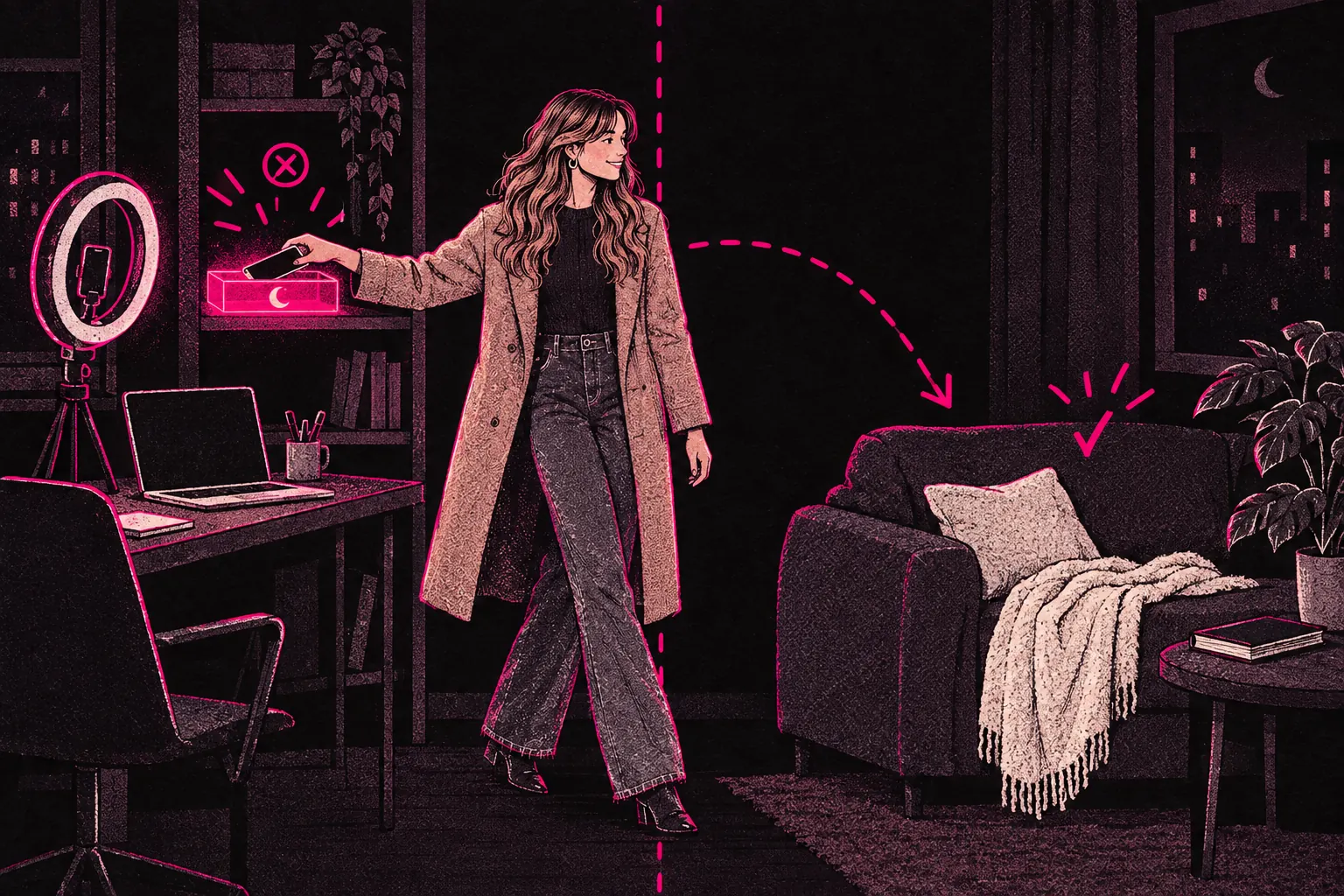
Healthy work-life balance on OnlyFans comes down to a few boundaries you set on purpose: fixed working hours, notifications off outside them, and a clear line between your creator self and the rest of your life. Nobody’s born good at this. You can learn it and get better at it with practice.
Your phone buzzes at midnight. A subscriber wants to chat. Another notification lands at 6am, then again while you’re out for dinner with friends. When your work lives on the same phone you use for everything else, the line between on and off disappears fast. And when the work is personal content, creator life and personal life can start to feel like the same thing.
Don’t treat balance as a luxury you’ll get round to later. Without clear boundaries, you risk burnout, strained relationships and a slow resentment towards the platform that’s meant to give you freedom.
Why Boundaries Are Essential When Your Work Is Always Accessible
Most jobs come with boundaries built in. You clock in, you clock out, and work stays behind when you leave. Creating content doesn’t work like that. Your studio is your bedroom. Your inbox is in your pocket. Fans want to feel connected to you, and posting regularly helps you get seen.
Being reachable all the time puts a particular kind of pressure on you. You might feel guilty for not replying straight away, worry about missing a big tipper, or think one day off will wreck your momentum. But working with no limits can’t last. It leads to exhaustion and creative block, and to a slow slide that’s harder to recover from than a planned break would have been.
If you’ve noticed the early signs of creator fatigue, our burnout prevention guide goes through the warning signs in detail.
Setting Working Hours (and Actually Sticking to Them)
One of the most useful things you can do is decide when you work and when you don’t. It sounds simple. Sticking to it takes real commitment.
How to set your creator hours:
- Pick a start time and an end time for your working day. They don’t have to look like nine to five, but they need to exist.
- Set aside time for making content, for messaging and for admin. Our time management guide goes into this in more detail.
- Tell subscribers your hours. A pinned post or an automatic message saying when you’re around sets expectations without hurting the relationship.
- Schedule posts to go out when you’re offline. Content batching keeps your page active without you being online all the time.
You decide when you’re available. If a subscriber can’t live with your hours, that tells you something about them.
Separating Your Creator Identity from Your Personal Identity
When you’re the product, it’s easy to lose track of where “creator you” stops and “real you” starts. That’s especially true if your content is intimate, or you’ve built a persona that’s different from your everyday self.
Ways to keep them apart:
- Use a separate phone or profile for creator work. Even a separate browser helps your brain switch modes.
- Keep some rooms in your home free of content. If you film in your bedroom, make the living room a work-free zone.
- Keep up friendships and hobbies that have nothing to do with your page. They remind you there’s far more to you than your subscriber count.
- Let yourself be boring off camera. You don’t owe anyone a performance around the clock.
This also protects your relationships. The people close to you deal with the real you, and your creator persona can stay at work. Keeping the two apart is good for both.
Managing Notifications and Fan Expectations
Notifications are built to pull you back in. Every ping feels urgent. Left alone, they’ll break your attention into pieces and make it very hard to rest.
Notification habits that help:
- Turn off push notifications outside your working hours. Your messages will still be there when you’re back.
- Put your phone on Do Not Disturb during personal time, and let only close contacts through.
- Answer messages in set reply windows, not the moment they arrive. Two or three focused sessions a day get more done than replying in scraps all day.
- Make a tip menu or FAQ so common requests don’t need a long back-and-forth.
As for fans, plenty of subscribers are more understanding than you’d expect. A short, friendly message about when you reply tends to earn respect. Replying instantly to everything, all day, is a fast route to burnout.
Avoiding the “Always On” Trap
The always-on trap is easy to fall into because it looks like dedication. You tell yourself that replying at 2am shows commitment, that skipping your day off means you’re serious, and that resting means falling behind.
Rest is part of the work. Your energy and your ideas run out if you never top them up, and work you push out while exhausted is usually worse than work you do after a proper break.
Signs you’re stuck in the always-on trap:
- You feel anxious when you’re not checking your page
- You break off personal conversations to reply to subscribers
- You can’t remember your last full day with no creator work at all
- Your motivation has turned from excitement into obligation
- Work regularly gets in the way of your sleep, exercise or meals
If several of these sound familiar, it’s time to change something. Stepping back doesn’t mean you’ve failed, and it may be what lets you keep going.
Building a Sustainable Routine
Balance isn’t something you decide once. You keep adjusting it as your page grows. Start with this:
- Track a normal week. Note how many hours go on creator work and how many on the rest of your life. The total might surprise you.
- Pick your non-negotiables. Which people, activities and rest times won’t you give up? Protect those first.
- Put rest in your calendar the same way you’d put in work. If it isn’t scheduled, it gets pushed aside.
- Batch your content. Filming and editing in set blocks can free up whole days. Our content batching guide takes you through it step by step.
- Review it every month. What’s working? What’s slipping? Adjust your boundaries based on how the month went, and leave guilt out of it.
If you’re balancing a day job as well, these boundaries matter even more. You’re running two jobs, and both suffer when neither has clear limits.
Your Boundaries Protect Your Business
Setting limits can feel like it’ll cost you money, but it tends to make your page stronger. When you’re rested, your content’s better. When your head’s in the conversation, subscribers notice. When you look after your mental health, you’re more likely to still enjoy this in a few years’ time.
Long hours alone don’t build a page that lasts. Working at a pace you can keep up, and treating your boundaries as part of the business, gives you a much better chance. You deserve a life outside your page.
Want your page to keep running while you switch off? TalentGrow’s team covers chat 24/7 and handles posting and promotion, so you can take real time off.